Troubleshoot Sort Feed
Work through these checks before assuming a permanent product limit. Platform UI changes are a common cause of missing metrics.
Scope
Desktop Chrome + Sort Feed on TikTok/Instagram.
Prerequisites
- Sort Feed installed.
- Ability to reload the tab and open chrome://extensions.
Steps
- 01
Confirm desktop Chrome and pin state
Sort Feed requires desktop Google Chrome. Enable and pin the extension if the icon is missing.
- 02
Reload a supported page
Hard-refresh the TikTok or Instagram tab after install or updates.
- 03
Check metric visibility without the extension
If Instagram/TikTok hide a count in the UI, Sort Feed cannot display it.
- 04
Retry credit tasks after failures
For comments, followers, or transcription, confirm balance and retry. Reserved credits should return on failure.
- 05
Contact support with reproduction details
Email [email protected] with the page URL type, Chrome version, and what you expected versus what happened.
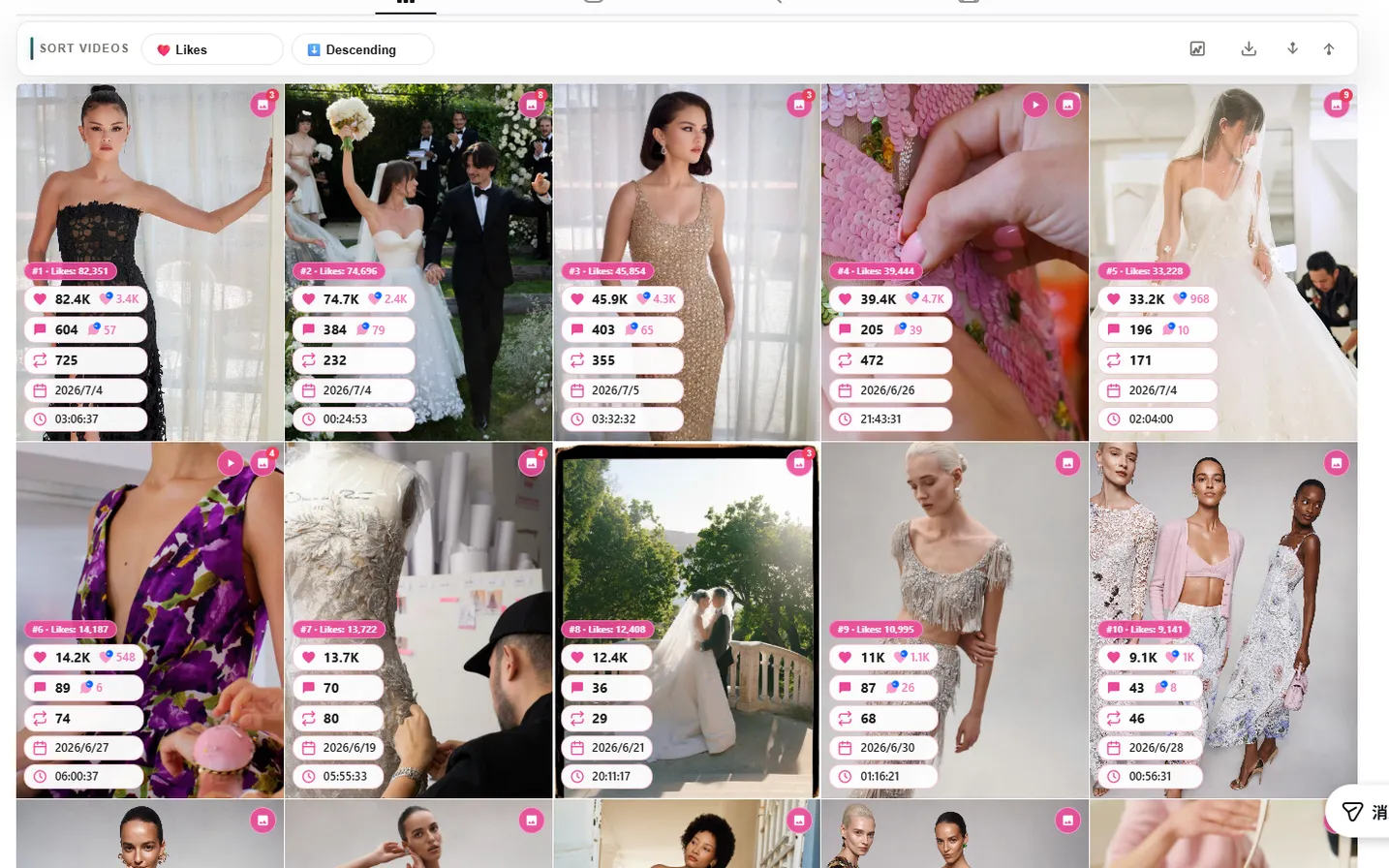
Expected result
You isolate whether the issue is install state, unsupported surface, missing on-page fields, or credits.
Common errors
Still blocked after these steps
Open Get Started for install FAQ, then contact [email protected].
Known limitations
- Docs cannot override live platform outages or Chrome Web Store delivery delays.
Privacy note
When contacting support, avoid sending passwords or unnecessary personal data.