Credits, Free, and Pro
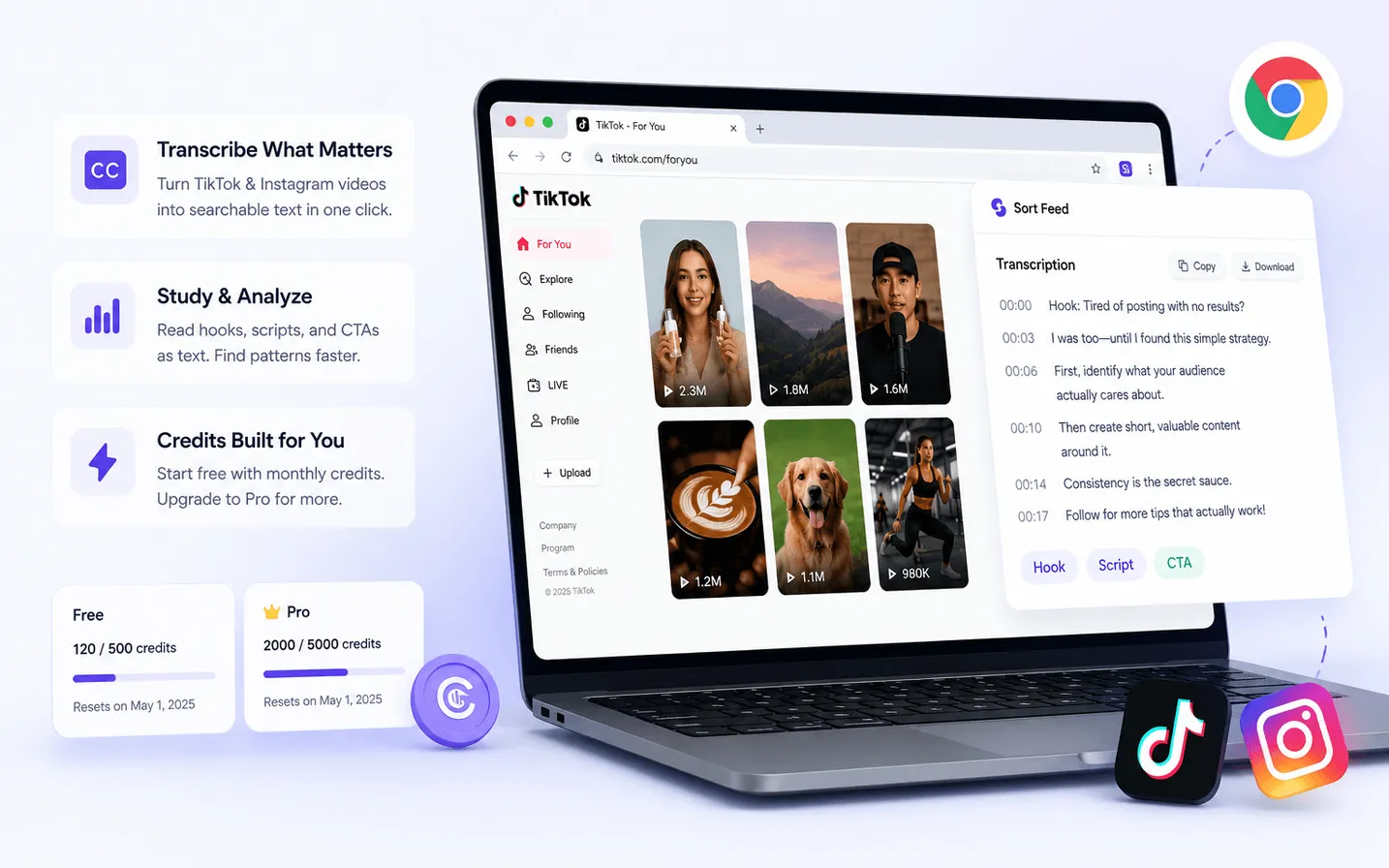
Local sorting basics stay free. Pro unlocks broader product features. AI Credits power transcription and data-collection tasks such as comments or follower lists.
Scope
Sort Feed account billing inside the Chrome extension and on the Pricing page.
Prerequisites
- Sort Feed installed.
- Signed-in Sort Feed account for credit purchases or Pro.
Steps
- 01
Use Free for local sorting basics
Sort visible posts with free-tier limits described on Pricing.
- 02
Upgrade to Pro for full-range workflows
Pro unlocks broader ranges/export/analysis features and includes monthly AI Credits.
- 03
Buy AI Credits for cloud tasks
Comments, followers/following, and transcription consume credits by usage. One-time packs do not unlock Pro.
Expected result
You know whether your task needs Free sorting only, Pro features, or credit-metered cloud collection.
Common errors
Credits reserved then returned
Failed tasks should return reserved credits. Retry after checking the page and network.
Known limitations
- Prices and allowances can change—Pricing is the live source.
- Credit packs do not unlock Pro sorting features.
Privacy note
Billing is processed through the extension checkout providers described in Privacy/Terms.