TikTok & Instagram video transcription in Chrome
Sort Feed adds video transcription to your TikTok and Instagram research workflow in desktop Chrome. After you sort visible posts by views or engagement, transcribe the clips that matter and study hooks, scripts, and CTAs as text.
Transcription uses credits from your Sort Feed account: the free tier includes monthly bonus credits, and the optional Pro subscription adds a larger monthly allowance for teams that transcribe often.
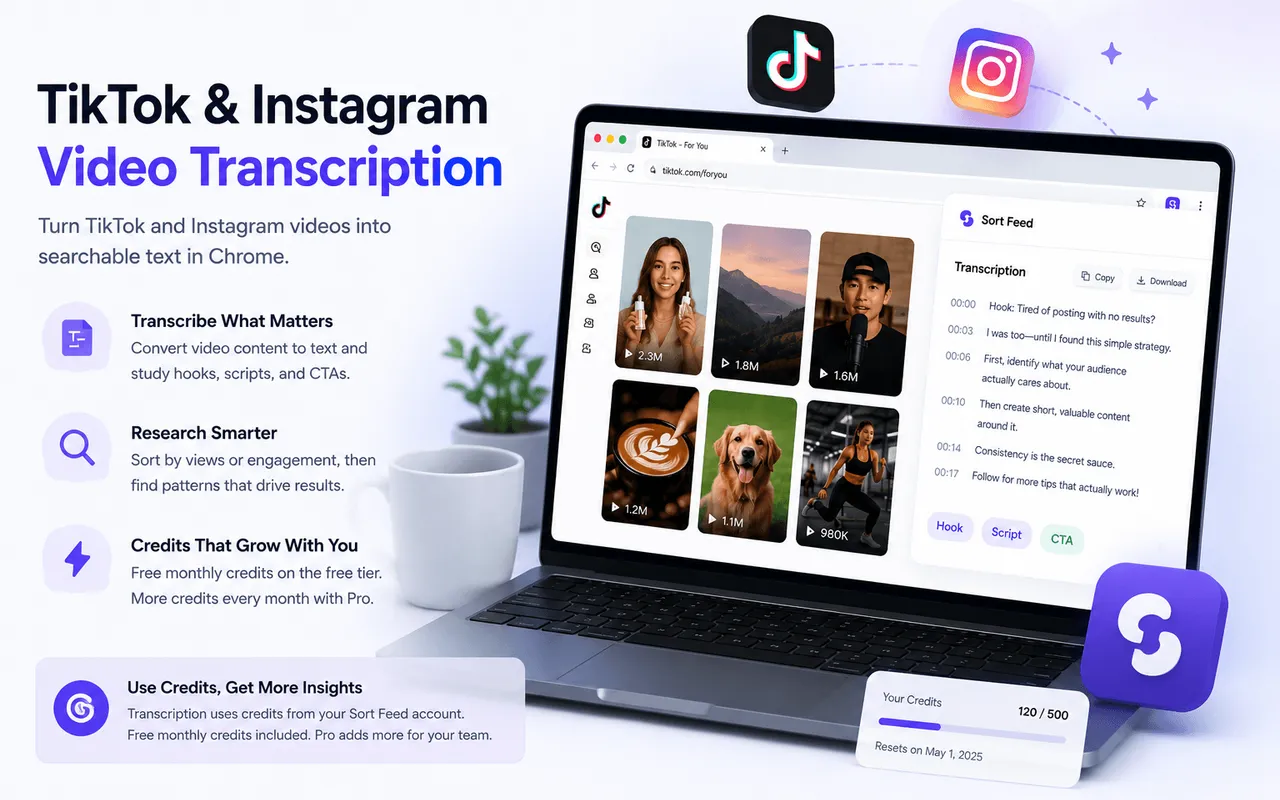
Sort then transcribe
Rank visible videos by views, likes, or date, shortlist winners, then transcribe only the clips worth studying.
Credit-based pricing
Transcription costs 1 credit per minute of audio. See current allowances on the pricing page.
Chrome-native workflow
Stay on tiktok.com or instagram.com—no separate uploader or shadow account required for supported pages.
Quick answer
Sort Feed can transcribe supported TikTok and Instagram videos inside desktop Chrome. Sort feeds first to find winners, then transcribe audio at 1 credit per minute of processed audio. Free users receive bonus credits each month; Pro subscribers get 500 credits per month.
Manual note-taking versus Sort Feed transcription
Creators and social teams often pause videos and type hooks by hand. Sort Feed automates that step after you have already sorted the feed.
Manual transcription pain points
- Rewinding the same clip to catch every word.
- Losing context when you switch between sort order and individual videos.
- No searchable text archive tied to the posts you already ranked.
What Sort Feed adds
- Explicit sorting so you transcribe high performers first.
- Text output you can scan, copy, and compare across creators.
- One extension for sorting, metric review, and transcription on supported pages.
How to transcribe TikTok and Instagram videos
- 1How to transcribe TikTok and Instagram videos
Install Sort Feed in desktop Chrome
Add the extension from the Chrome Web Store and sign in when prompted so credits can apply to transcription.
- 2How to transcribe TikTok and Instagram videos
Open a supported TikTok or Instagram page
Browse profiles, grids, or reels tabs you already access with your normal login. Sort Feed works on visible content your session can load.
- 3How to transcribe TikTok and Instagram videos
Sort by the metric that answers your question
Use views for reach, likes for resonance, or date for recency—then shortlist the videos you want to study.
- 4How to transcribe TikTok and Instagram videos
Run transcription on a shortlisted clip
Open the transcription action inside Sort Feed. Each minute of processed audio uses 1 credit from your monthly balance.
- 5How to transcribe TikTok and Instagram videos
Review and reuse the text
Compare hooks across competitors, draft briefs, or archive winning scripts alongside the metrics you already collected.
Who benefits from social video transcription?
Content strategists transcribe top-performing reels to decode pacing, hooks, and offer framing without watching every second twice.
Agencies benchmark client categories by sorting competitor grids, transcribing leaders, and building swipe files grounded in real performance data.
- Pair with TikTok or Instagram sorting guides when your workflow starts with “what is winning?”
- Useful for UGC research, podcast-style talking-head clips, and spoken CTAs on short-form video.
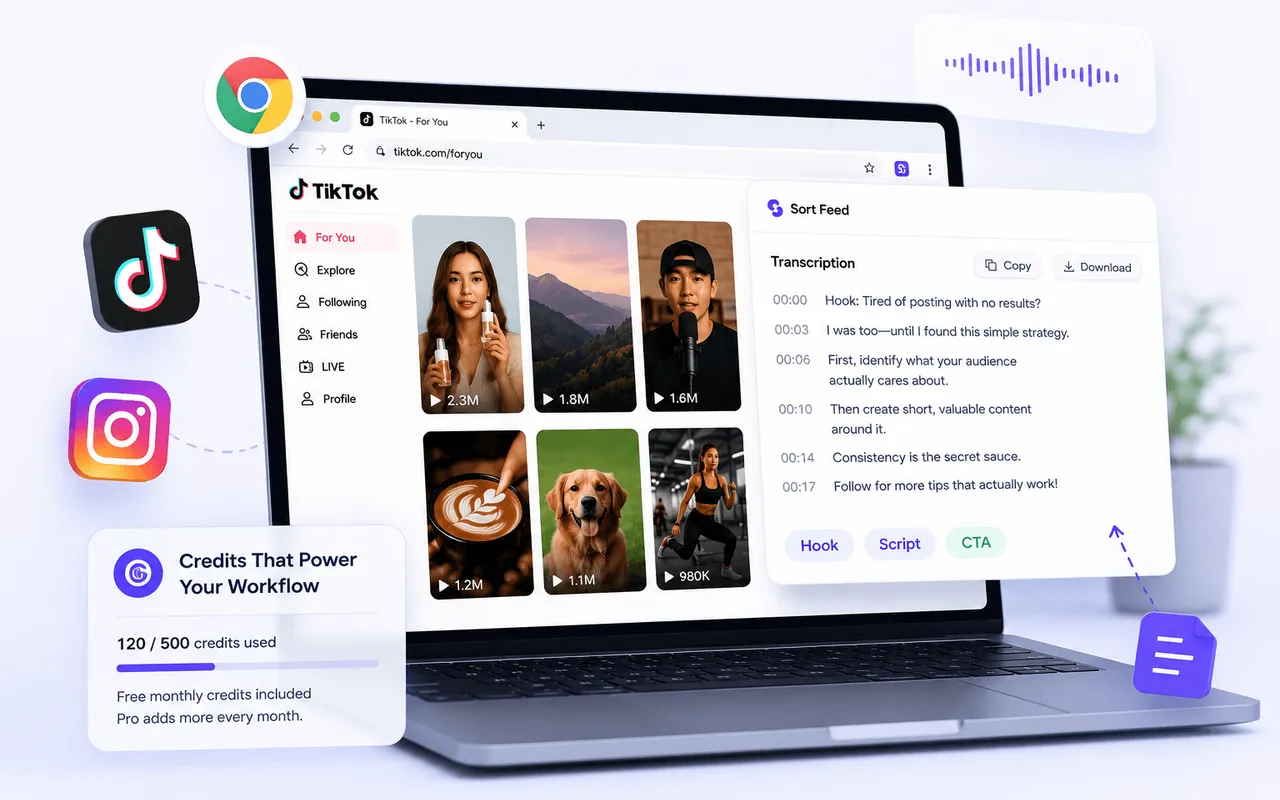
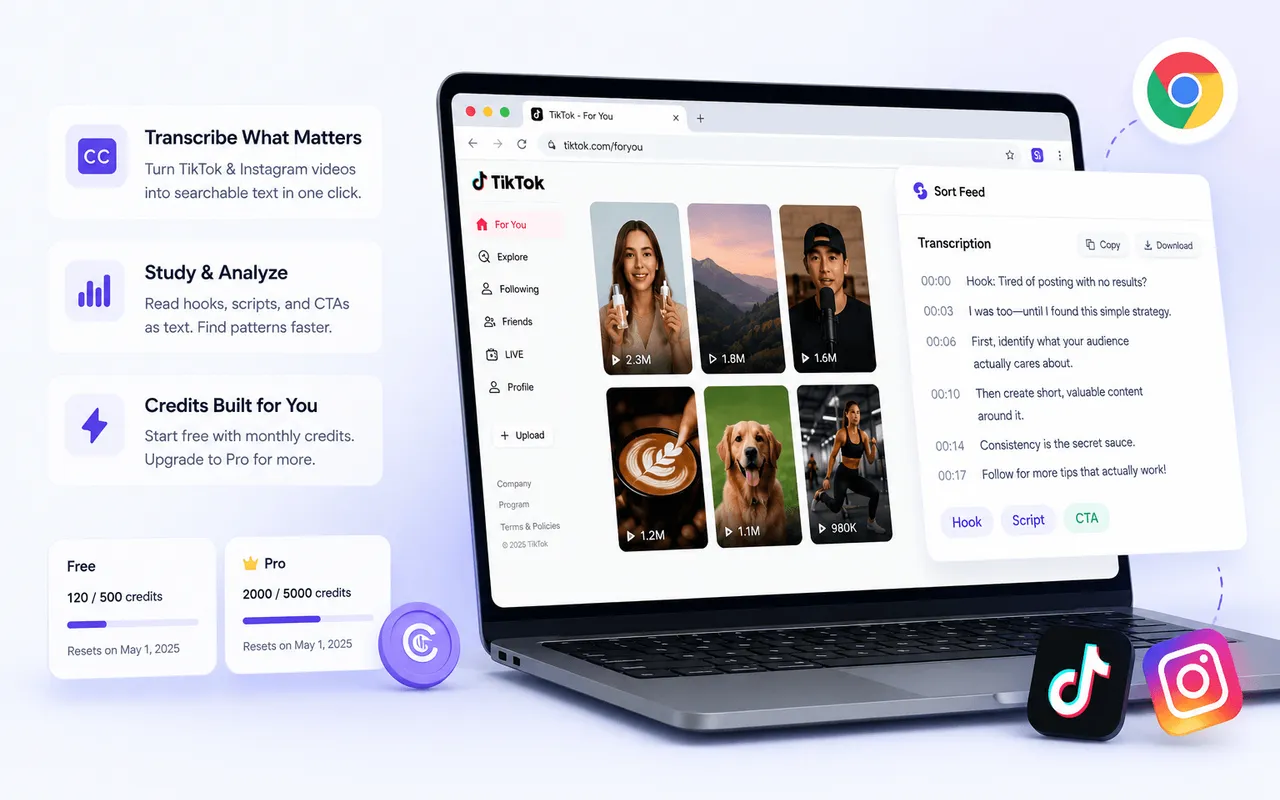
Credits, free tier, and Pro subscription
The free Sort Feed tier includes TikTok and Instagram sorting plus a monthly allocation of bonus credits for eligible transcription use. When you need more volume, the Pro subscription provides 500 credits per month at the price shown on our pricing page.
Transcription always consumes credits at 1 credit per minute of processed audio. Check the extension and pricing page for current limits before large batch projects.
Real Chrome Web Store reviews
Recent public reviews from the Sort Feed Chrome Web Store listing, shown with the original reviewer names, ratings, dates, and review text. Listing stats were checked on September 28, 2026.
4.8/5
Public Chrome Web Store rating
46
Visible rating count on the listing
6,000+
Public user count on the listing
"Works great"
"worked liked it"
"Works really well."
"thanks for your Service, Nice work ! i'm in korea, wish you all the best with your business !"
"Simple, straightforward, and effective chronological sorting makes social media browsing more controlled and efficient!"
"This extension is extremely valuable if you want to improve browsing efficiency, especially for content research."
"Fast loading and no lag, works smoothly on both TikTok and Instagram with great compatibility."
"A must have tool to fight algorithm-driven feeds! If you hate "recommended for you" content, you should definitely try this."
"Great Instagram feed sorting tool. Being able to browse posts by publish time makes a huge difference."
"Works instantly after installation. My TikTok feed is now clean and organized without distracting recommendations."
"Perfect for social media managers. It helps me track the latest posts efficiently without missing anything important."
"I've been looking for a way to restore chronological feeds, and this extension does exactly that. Simple, clean, and easy to use."
"This extension is super useful! Finally I can sort TikTok and Instagram feeds chronologically instead of dealing with random algorithms. Huge productivity boost."
"Great idea! Super helpful! This plugin helps me do some simple data analysis, filter out irrelevant content, and keep my feed clean without changing the original experience. It saves me a lot of time on repetitive tasks and makes browsing much more efficient. thx"