Prerequisites, first install, first sort, and where to go next
How to install the Sort Feed Chrome extension
Install Sort Feed from the Chrome Web Store, pin it in desktop Chrome, run your first sort on a supported TikTok or Instagram page, then continue to the product workflow that matches your task.
Desktop Chrome6,000+ users shown on listing4.8/5 from 46 ratings
Install from Chrome Web Store
Google Chrome
Install and first-use steps
Install and first-use steps
01
Install and first-use steps
Verify the Chrome Web Store listing
Use the sortfeed.io store link and verify extension ID gabccihfalldbkbafogodoelhknbodbo before adding it to Chrome.
The listing-derived rating and review count are public Chrome Web Store signals checked September 28, 2026.
02
Install and first-use steps
Open a supported TikTok or Instagram page
Use a page your browser session can already load. Sort Feed works with visible posts, not hidden account data.
You do not hand your TikTok or Instagram password to sortfeed.io for the sorting workflow.
03
Install and first-use steps
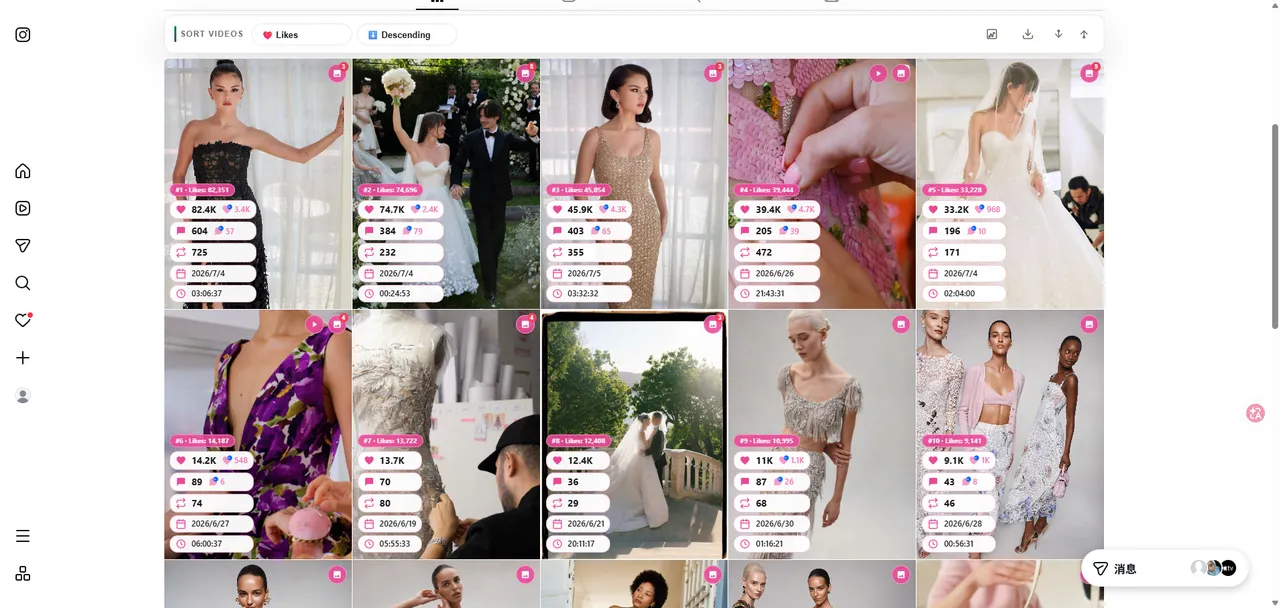
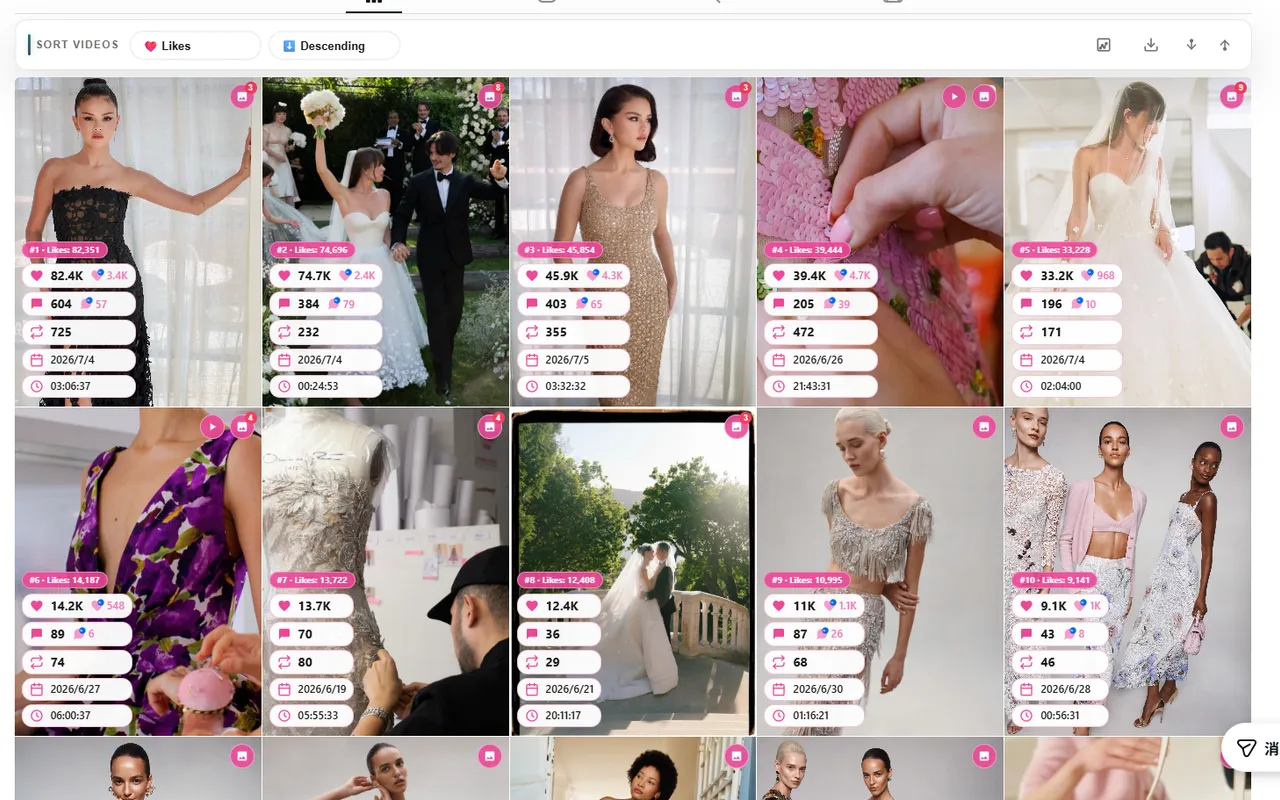
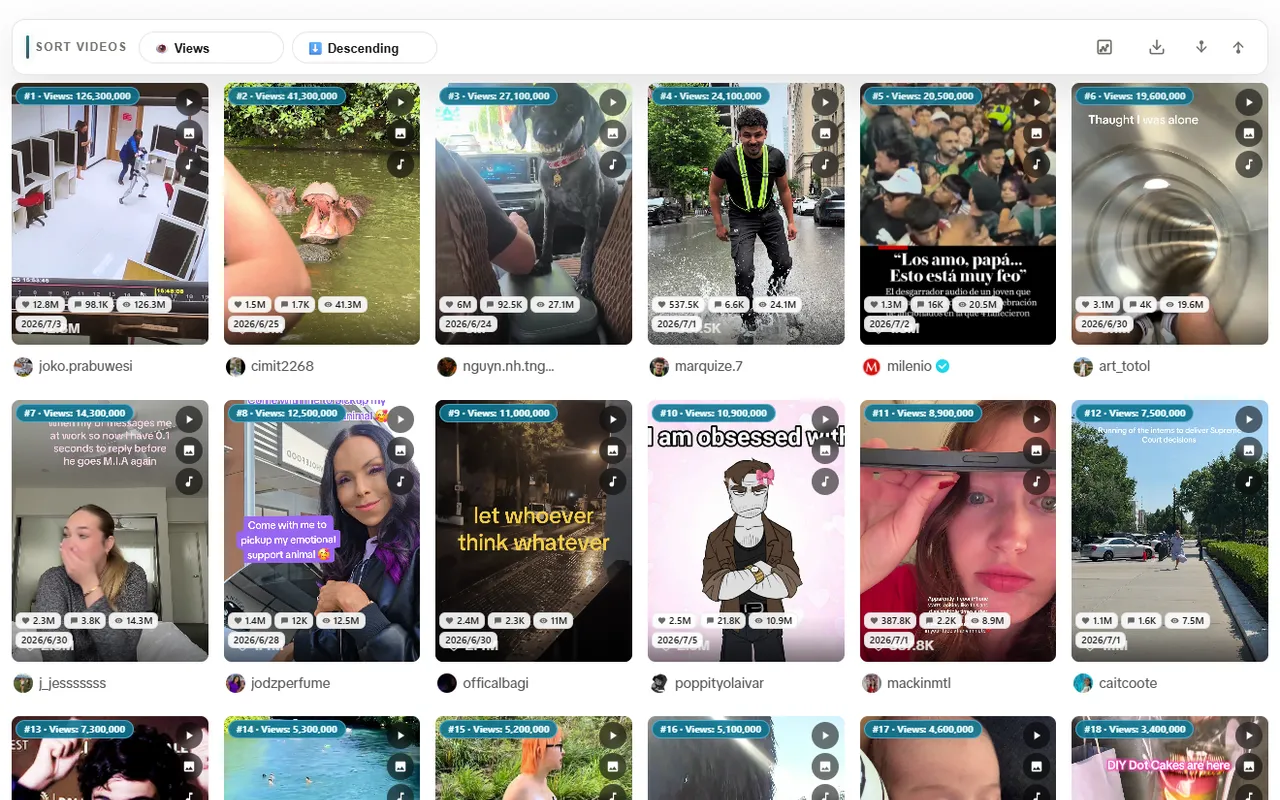
Choose views, likes, comments, or date
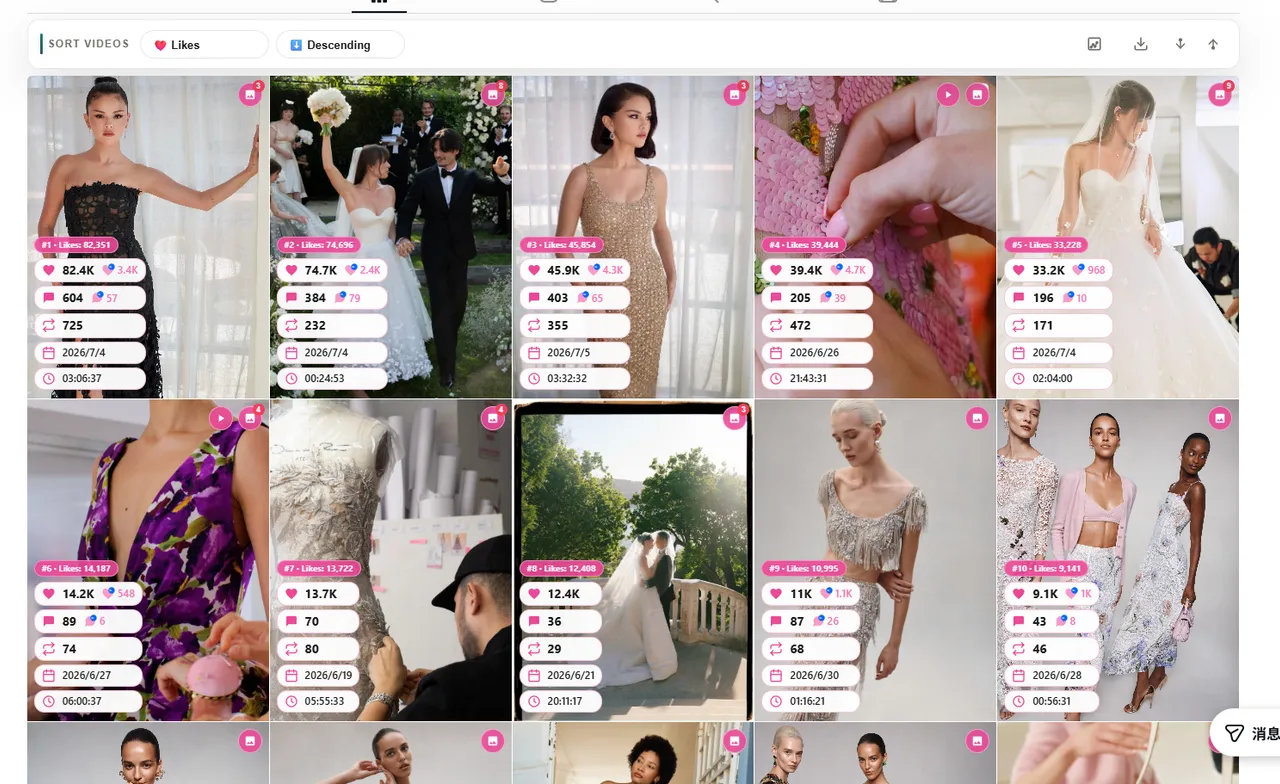
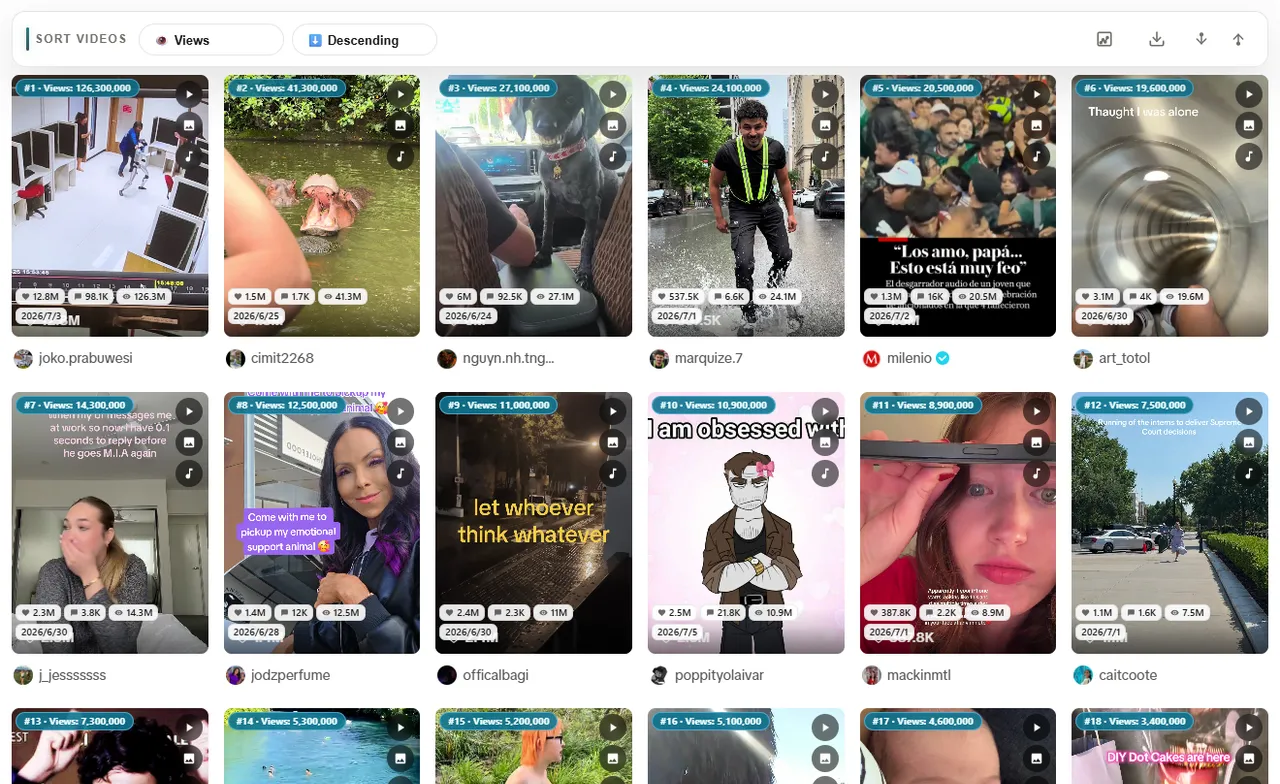
Pick the metric that answers the research question, then rank the visible grid inside the current tab.
Use views for reach, likes for response, comments for discussion, and date for recency.
04
Install and first-use steps
Export data or continue to a workflow
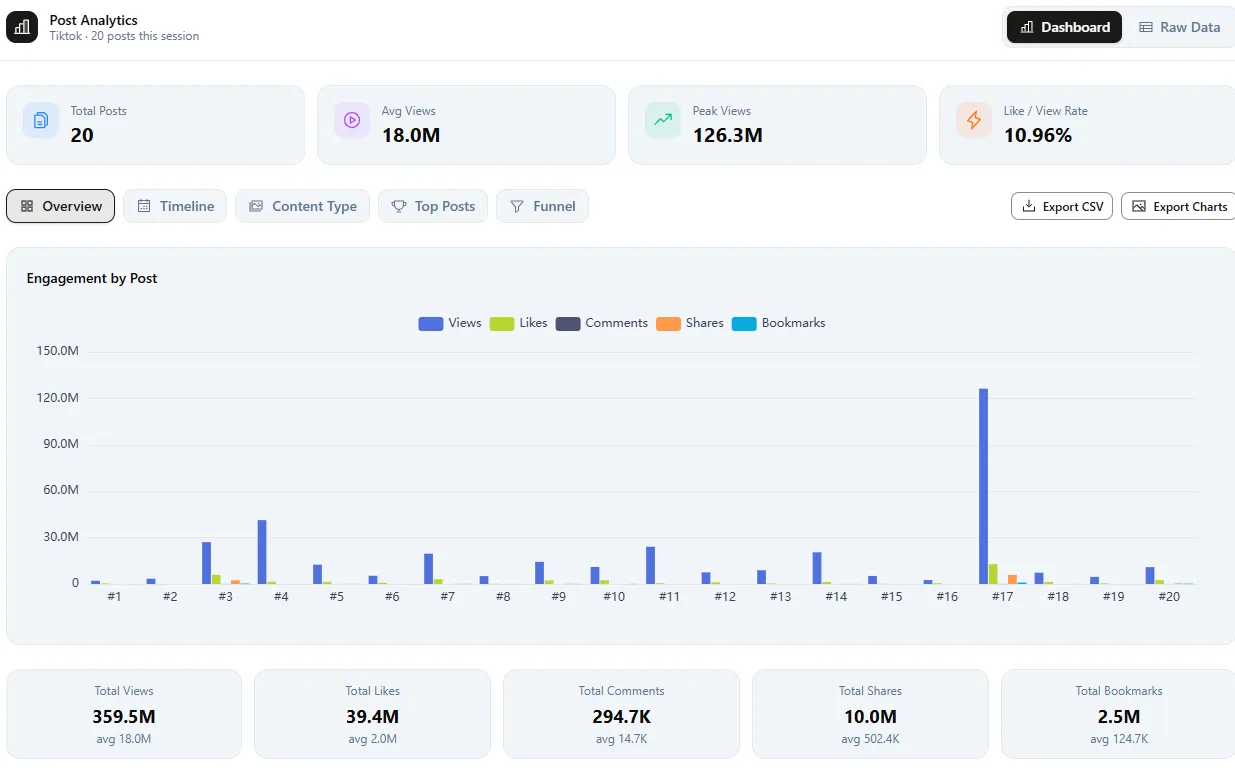
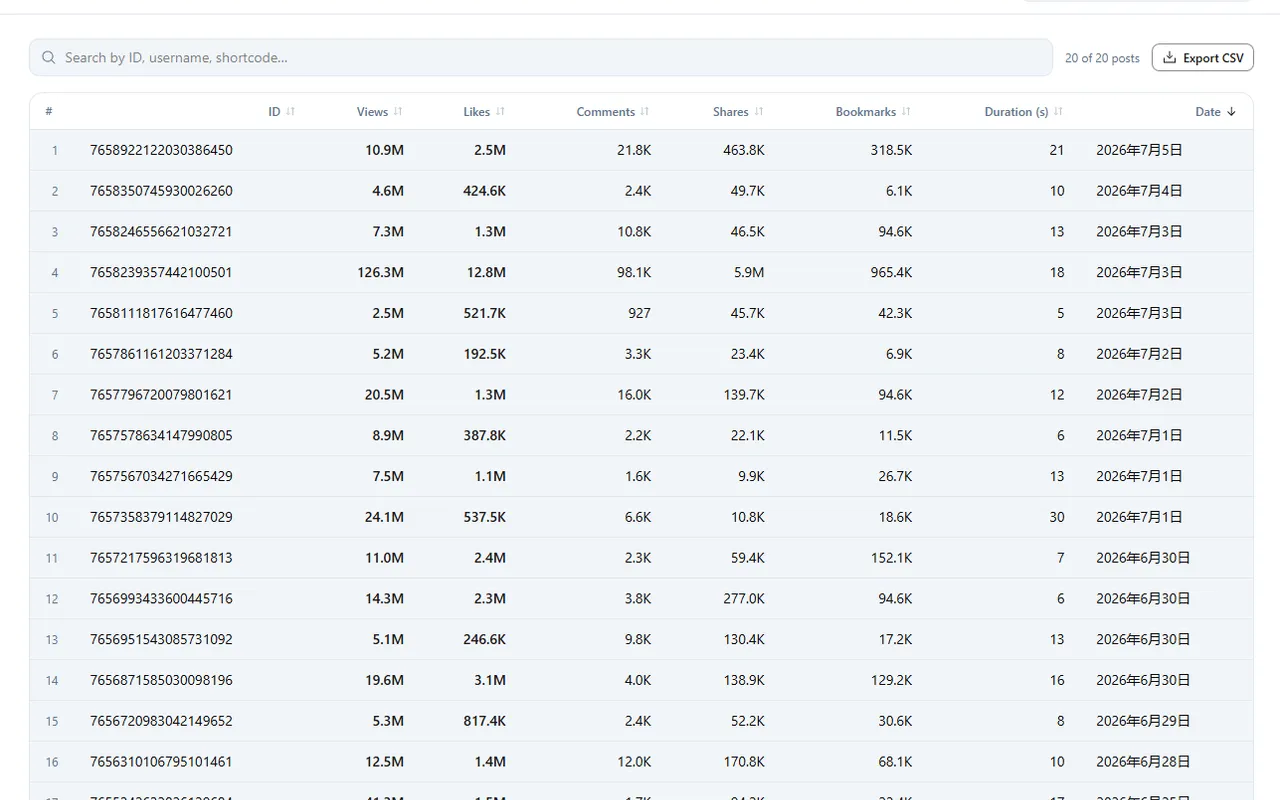
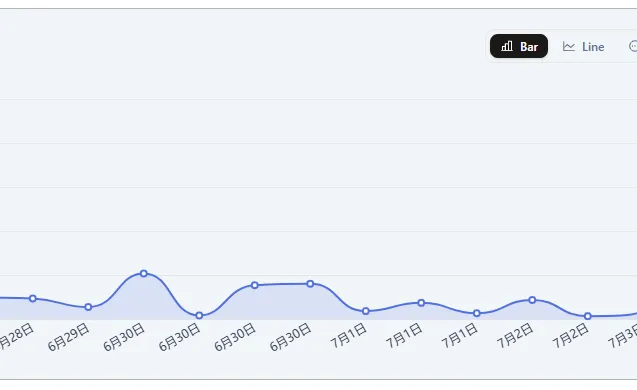
Inspect sorted winners and selected rows, download data for reports if needed, then open the Instagram or TikTok product page for platform-specific details.
For client or budget decisions, verify final numbers on the source page or your analytics stack before exporting.
After your first sort
After your first sort
Pick the next page that matches your job—not a second product pitch
Instagram feed sorter
Evaluate Instagram-specific surfaces, metrics, and limits for sorting Reels and posts by views, likes, comments, or date.
TikTok feed sorter
Evaluate TikTok-specific sorting by views, likes, comments, or recency on supported pages in desktop Chrome.
Extension features and limits
Compare permissions, browser support, and product limits on the Sort Feed Chrome extension page before you standardize a team workflow.
Installation FAQ
Installation FAQ
Where do I get Sort Feed?
Add Sort Feed from the Chrome Web Store and use it on desktop Chrome. The workflows described on this page follow the in-extension guidance.
Does it work on mobile?
No. Sort Feed is a desktop extension for Google Chrome only. It does not run on mobile browsers.
Will Sort Feed slow down my browser?
No. Sort Feed is designed to be lightweight and only activates on supported Instagram and TikTok pages.
Is my account safe?
Sort Feed does not require your social passwords. It uses the browser environment you are already using on TikTok and Instagram web pages.
Do I need an account?
Core extension workflows do not depend on giving sortfeed.io your TikTok or Instagram account credentials.
How do I use Sort Feed on Instagram?
Install the extension, open a supported Instagram page in desktop Chrome, launch Sort Feed, and choose a sort field such as likes, views, comments, or date. For product details, open the Instagram feed sorter page.
Can I export or download sorted data?
Yes. After sorting and selecting the rows you need, use the visible-data workflow to export or download selected rows for reporting and review.
Can Sort Feed transcribe TikTok or Instagram videos?
On supported pages, you can transcribe shortlisted TikTok or Instagram clips when you need the spoken script, hook, or CTA as text.
Need Help?
Need Help?
Support can help with install issues. For procedural guides on sorting, export, credits, and troubleshooting, open the documentation hub.