Run your first Sort Feed sort
After install, sort one visible TikTok or Instagram grid so you learn the metric → rank → review loop before exporting or transcribing.
Scope
Supported TikTok and Instagram pages already open in desktop Chrome.
Prerequisites
- Sort Feed installed and pinned.
- A supported profile, search, saved, or discovery page loaded in the active tab.
Steps
- 01
Open a supported page
Stay in desktop Chrome on a TikTok or Instagram surface your session can already access.
- 02
Open Sort Feed
Click the Sort Feed icon. If nothing appears, confirm the page type is supported and reload the tab.
- 03
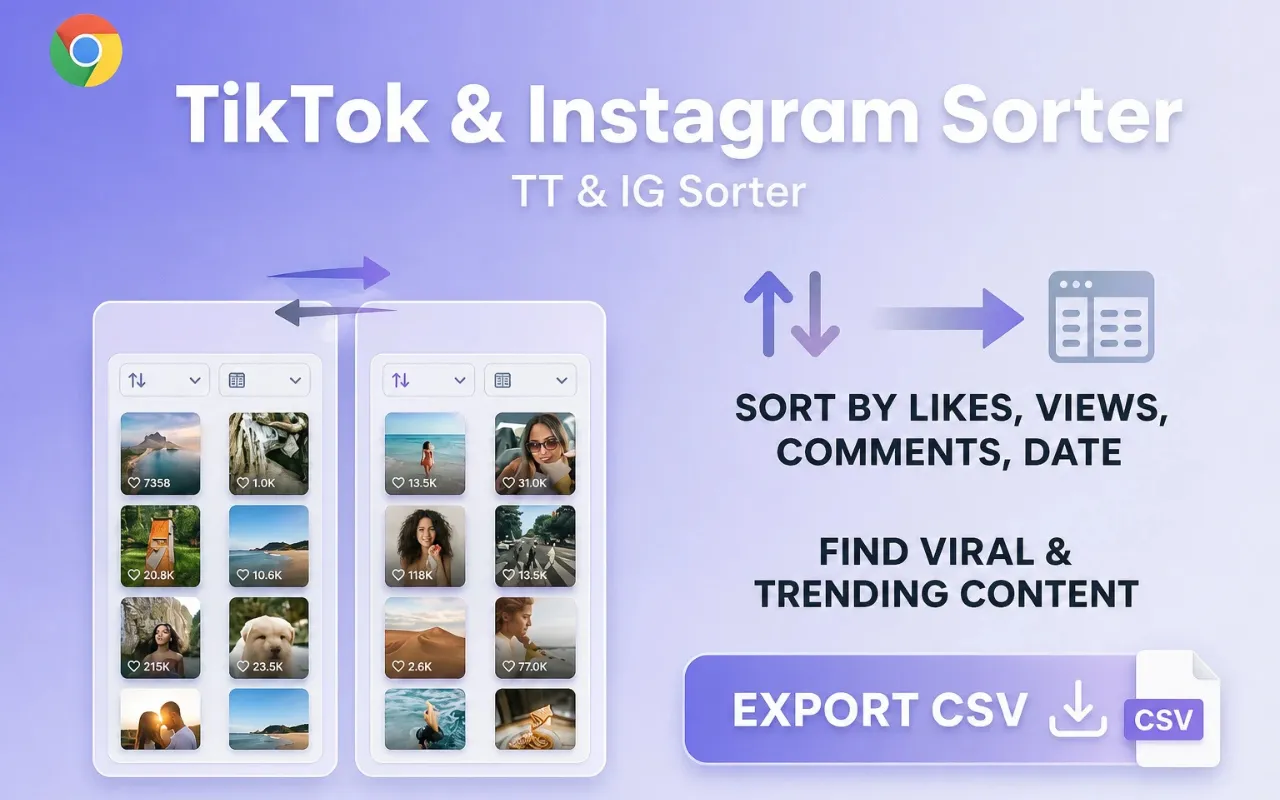
Choose views, likes, comments, or date
Pick the metric that answers your question. Views for reach, likes for reaction, comments for discussion, date for recency.
- 04
Review the ranked rows
Inspect the top rows, open the posts you care about, and verify key numbers on the source page before reporting.
Expected result
The visible grid is reordered by your metric and you can shortlist the posts worth deeper review.
Common errors
Sort options are missing
Reload the page, confirm you are on a supported surface, and check that Instagram/TikTok still expose the metric in the open tab.
Ranking looks incomplete
Sort Feed only ranks content already loaded in the visible session. Scroll to load more posts if the platform paginates the grid.
Known limitations
- Private or inaccessible posts stay out of scope.
- Metric availability depends on what the open page exposes.
Privacy note
Sorting runs against the page already loaded in your browser session. See Data handling for details.