Collect and export comments
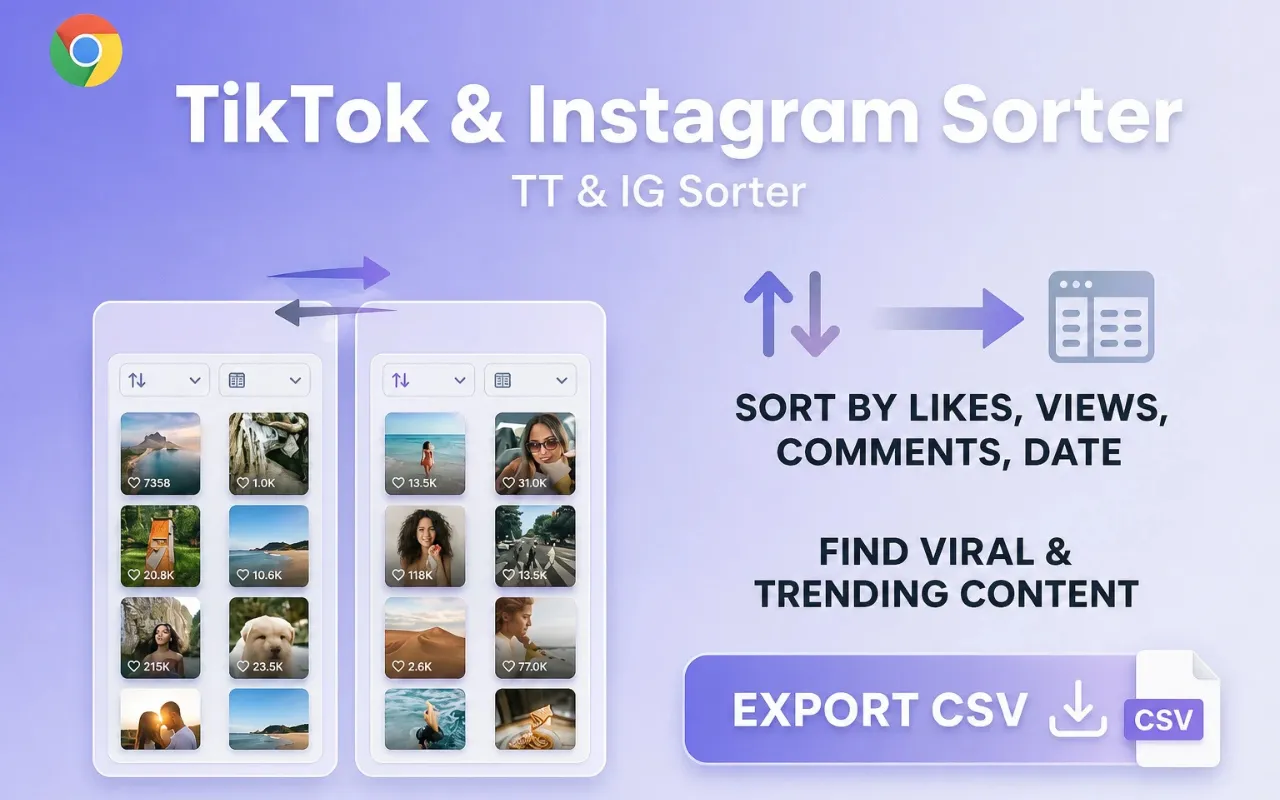
Sort Feed can collect Instagram or TikTok comments on supported posts and export CSV using AI Credits. Product pages evaluate fit; this doc covers the procedure.
Scope
Supported Instagram posts/Reels and TikTok videos in desktop Chrome.
Prerequisites
- Sort Feed installed and signed in when credits are required.
- A post page where comments are visible to your session.
- Enough AI Credits (1 credit per 20 comments; partial batches still use 1).
Steps
- 01
Open the post with visible comments
Use a public or already-accessible post your Chrome session can load.
- 02
Start comment collection in Sort Feed
Run the comment task from the extension Workbench or task center and wait for rows to finish.
- 03
Export CSV
Download collected rows. Typical columns: comment text, author handle, time, likes when exposed.
Expected result
A CSV of comments your session could already see, billed by AI Credits.
Common errors
Task fails or returns few rows
Confirm comments are visible, retry once, and check credit balance. Reserved credits return on failure.
Known limitations
- No private-post bypass.
- Field availability follows the live page UI.
Privacy note
Collection uses your open browser session. Details are in Data handling and the Privacy Policy.