Transcribe TikTok and Instagram clips
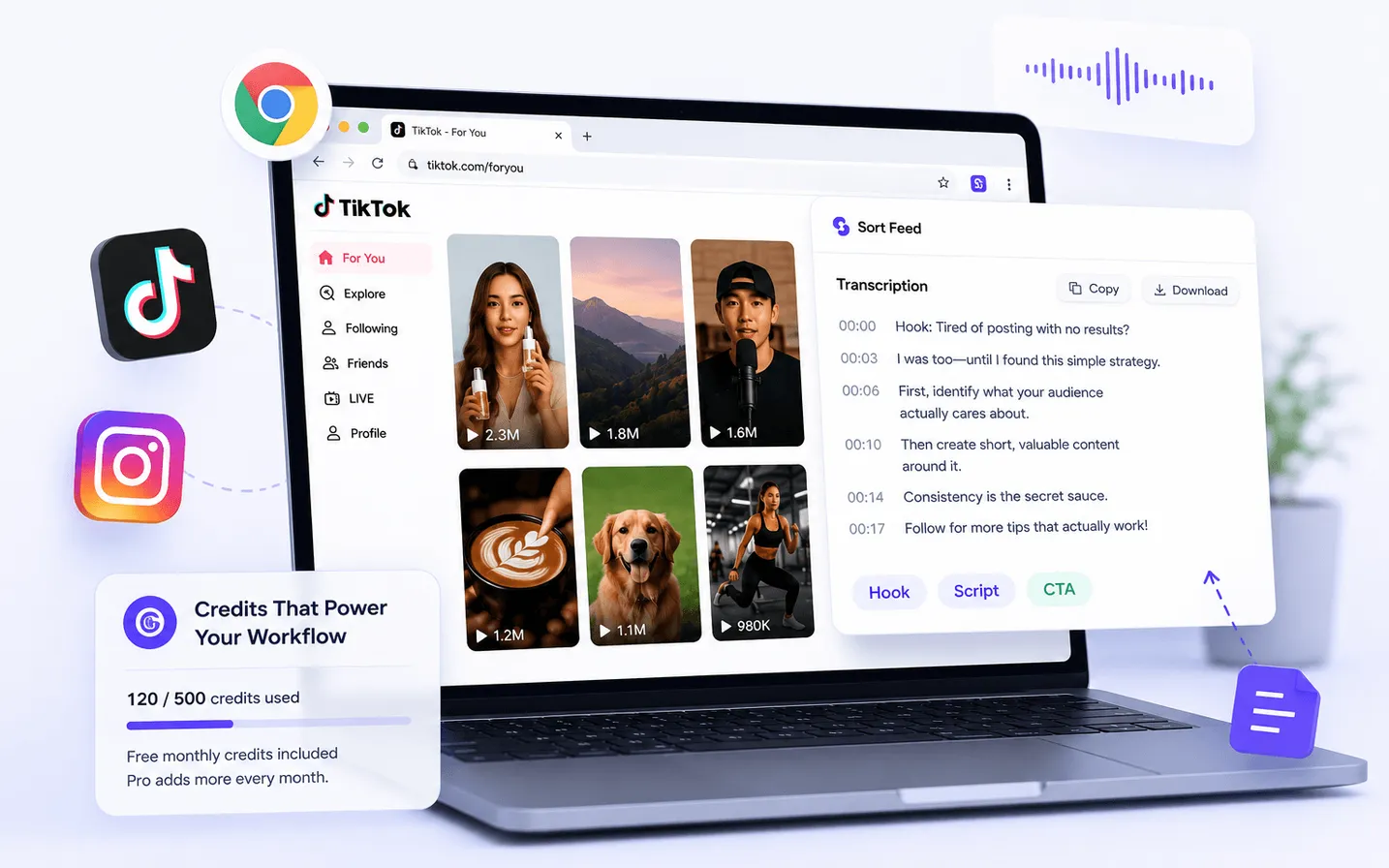
After sorting, transcribe supported clips to study hooks and scripts as text. Transcription uses AI Credits at 1 credit per minute of processed audio.
Last verified: September 28, 2026Extension version: 2.6.0
Scope
Supported TikTok and Instagram videos in desktop Chrome.
Prerequisites
- Sort Feed installed and signed in.
- A shortlisted clip worth studying.
- Sufficient AI Credits.
Steps
- 01
Sort and shortlist first
Transcribe winners, not every video on the page.
- 02
Run transcription on the selected clip
Start transcription from Sort Feed and wait for text output.
- 03
Copy or archive the text
Use the transcript for briefs, swipe files, or research notes.
Expected result
Readable text for the selected clip, with credits deducted by processed audio minutes.
Common errors
Insufficient credits
Buy a credit pack or use Pro monthly credits. See Credits & plans.
Known limitations
- Accuracy varies with audio quality and language.
- Unsupported or inaccessible videos cannot be transcribed.
Privacy note
Transcription is a cloud credit task. See Data handling and Pricing for current rules.
Next step
Credits & plansRelated product page
Open product page