You cannot know a competitor's complete social media content strategy from public posts. You can audit the posts visible on a supported TikTok or Instagram page, record the metrics they expose, and write hypotheses to test on your own channel. The useful output is a source-linked creative brief, not a claim to know the competitor's private results.
Sort Feed helps rank the loaded, visible grid in desktop Chrome. Start with one question and a consistent sample, then verify the shortlisted posts at their original URLs. Our 13-post Gymshark audit shows a public ecommerce example with a dated source table and explicit limitations.
For supported surfaces and limits, check the Sort Feed extension overview.
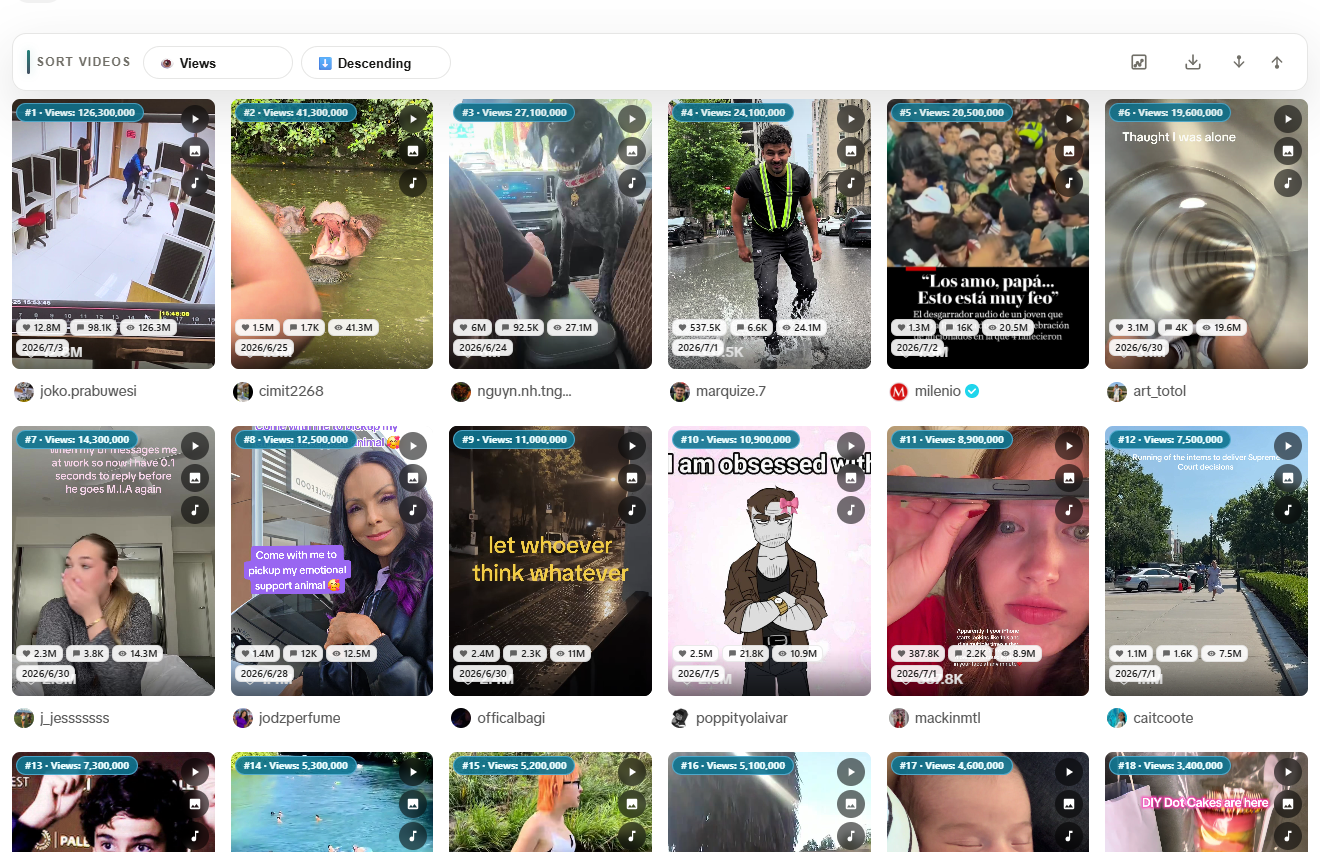
Product interface example. The linked Gymshark case uses a separate set of public post URLs; this image is not that sample.
The five-stage competitor research workflow
Question -> loaded sample -> sort and verify -> inspect content -> creative brief
Each layer reduces guesswork:
- Question —one sentence, one metric (usually views or likes)
- Sort —reorder the visible grid in Chrome
- Verify —open the shortlisted URLs and record the observation date; see the outlier score guide
- Inspect —watch the videos and transcribe only when spoken words matter
- Brief —state a few tests your own team can measure
This is a business decision workflow, not a generic social listening dashboard. It fits ecommerce sellers, agency strategists, and in-house SMM leads who already browse competitors manually.
Step 1: Write the research question
Bad question: "What is Competitor X doing on social?"
Good questions:
- Which TikTok posts have the highest visible views in the defined sample, and what do their openings show?
- Which Instagram Reels formats earn the most likes vs. views?
- What CTA language repeats across their top 8 clips?
Match sort metric to the question:
| Question type | Sort by |
|---|---|
| Reach / distribution | Views |
| Resonance | Likes |
| Conversation | Comments |
| Recent tests | Date |
Step 2: Sort a defined competitor sample in Chrome
Open each competitor surface in desktop Chrome:
- TikTok profile or niche search grid —TikTok sorter
- Instagram Reels tab —Instagram feed sorter
Record the page URL, date, and loaded range, then apply Sort Feed. You are asking which posts have the highest visible count within that loaded sample. The ranking is not a complete account history.
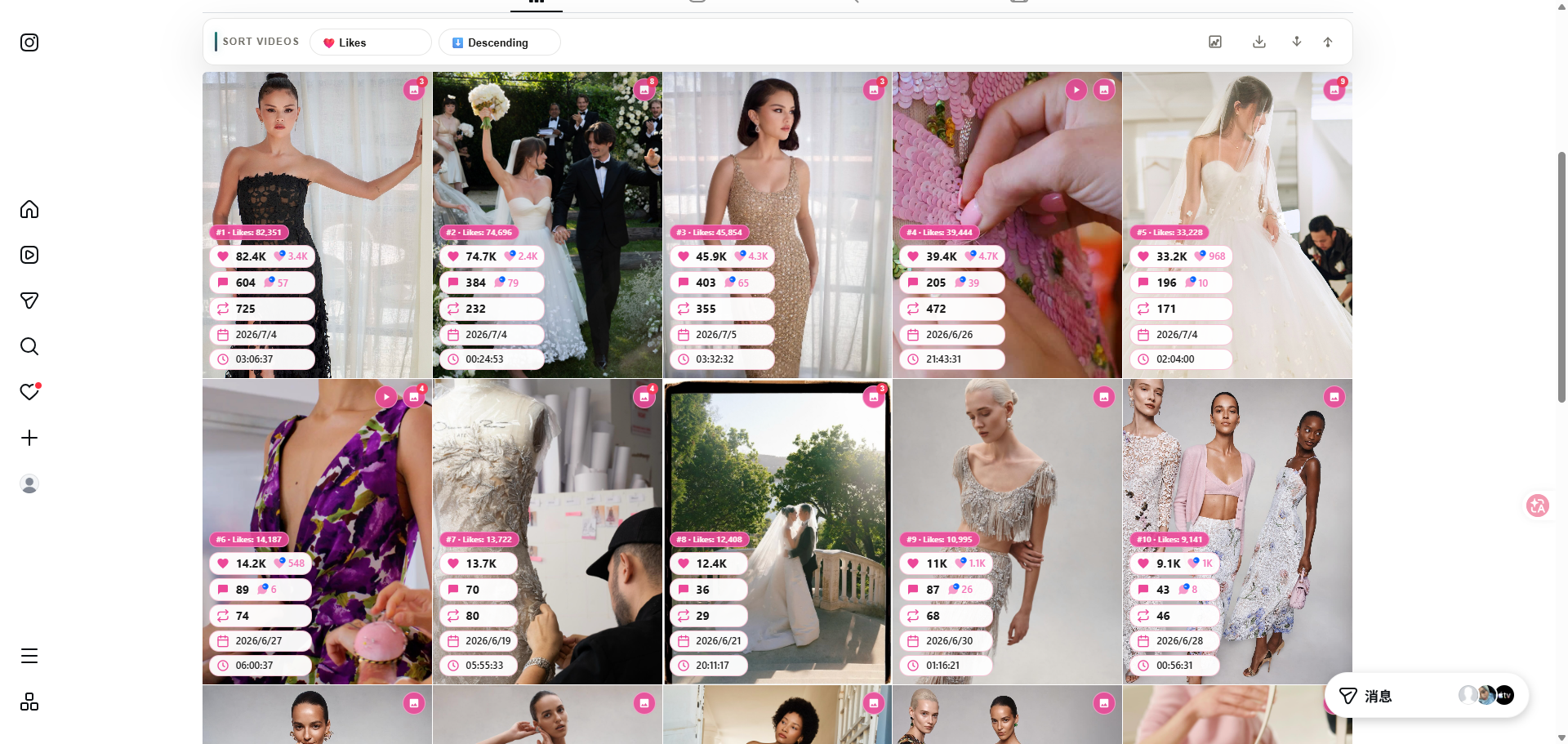
Step 3: Inspect outliers and ordinary posts
After sorting, ask:
- Which clips separate from the sample median on the chosen metric?
- Do winners share a hook shape (question, claim, list, demo)?
- Are outliers recent or catalog evergreen?
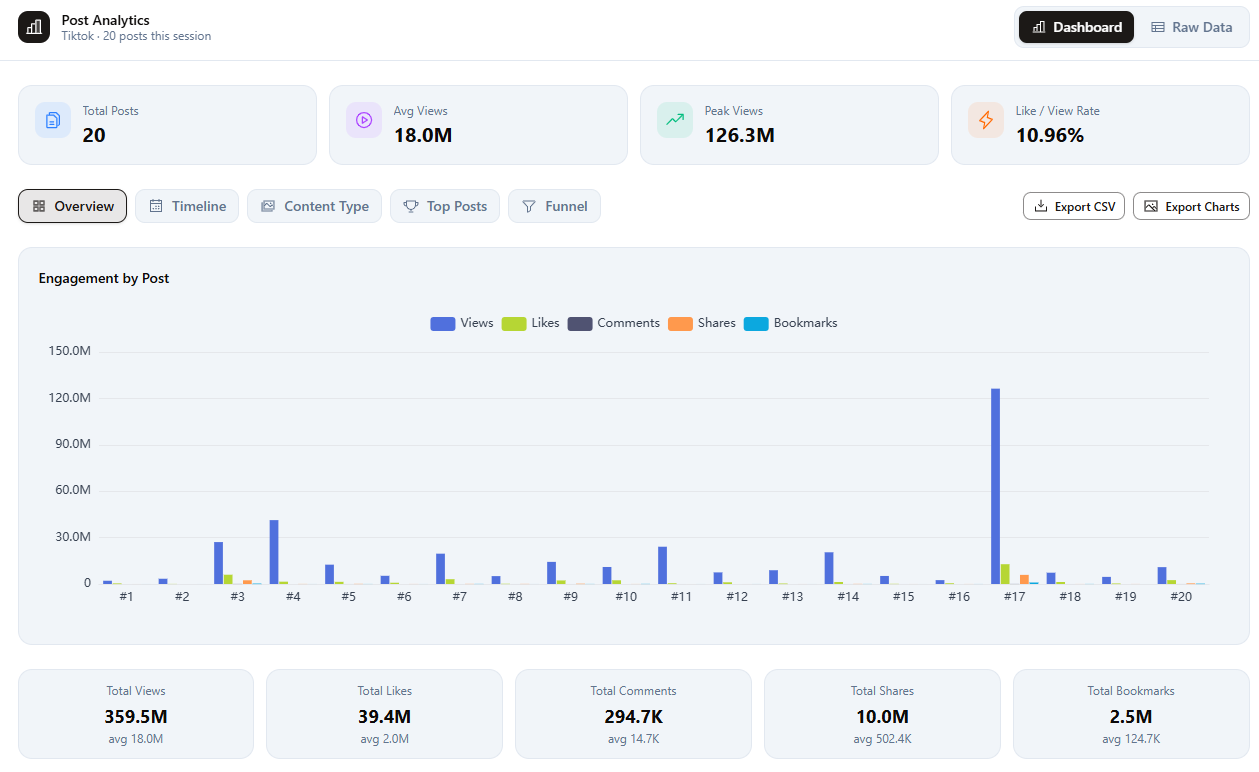
Use the analytics view to check the rows before exporting. A high count is a reason to inspect a post, not proof that a particular hook caused its reach. Compare it with ordinary posts from the same sample, and note publishing dates and collaborations before forming a hypothesis.
Step 4: Export evidence and inspect spoken hooks when relevant
Export for stakeholders
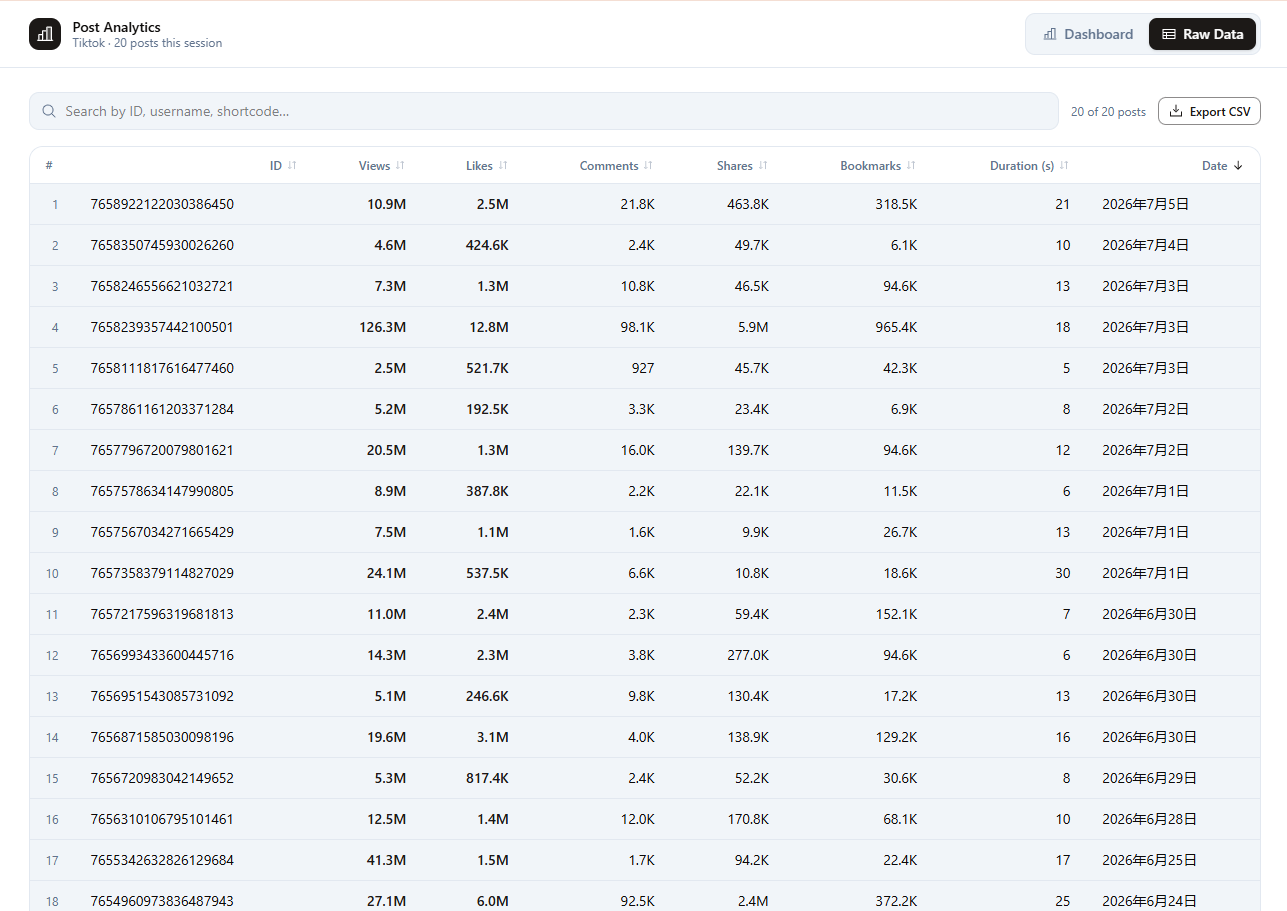
Export the verified rows to CSV, subject to your current plan limits. Name files with the check date and handle:
YYYY-MM-DD-handle-tiktok-top-views.csv
Full walkthrough: export TikTok and Instagram data to CSV.
Transcribe for strategists
Transcribe only shortlisted clips whose spoken words matter to your question. Pair each transcript with the source URL and metric snapshot. Guide: transcribe TikTok and Instagram in Chrome.
Competitor brief template
Competitor:
Research question:
Sort metric:
Date checked:

Pattern 1 —Hook type:
Example URLs:
Transcript snippet:
Recommended test:

Pattern 2 —Offer framing:
Example URLs:
Recommended test:

Pattern 3 —CTA:
Example URLs:
Recommended test:

Ignore list (low performers / off-brief formats):
Next action owner:
Sort Feed vs. other competitor research tools
| Tool category | Best when— |
|---|---|
| Sort Feed Chrome extension | You browse profiles and need sort + export + transcribe in one tab |
| Native platform analytics | You own the account and need authorized insights |
| Enterprise social listening | You need mention volume across the whole web |
Choose the workflow that matches the evidence you need. Sort Feed handles a visible post shortlist; use owned-account analytics for private performance and a listening tool for wider mention tracking.
Related guides
- What is an outlier score?
- Gymshark ecommerce TikTok audit with 13 source posts
- Find viral hooks and scripts
- Social video research workflow
Use the Sort Feed TikTok sorter to start a source-linked audit on a supported public grid.