Instagram sorting guide: visible post review vs sorting posts by engagement in Chrome
Use this Instagram sorting guide when you need to decide whether a sortable Chrome workflow fits your research task.
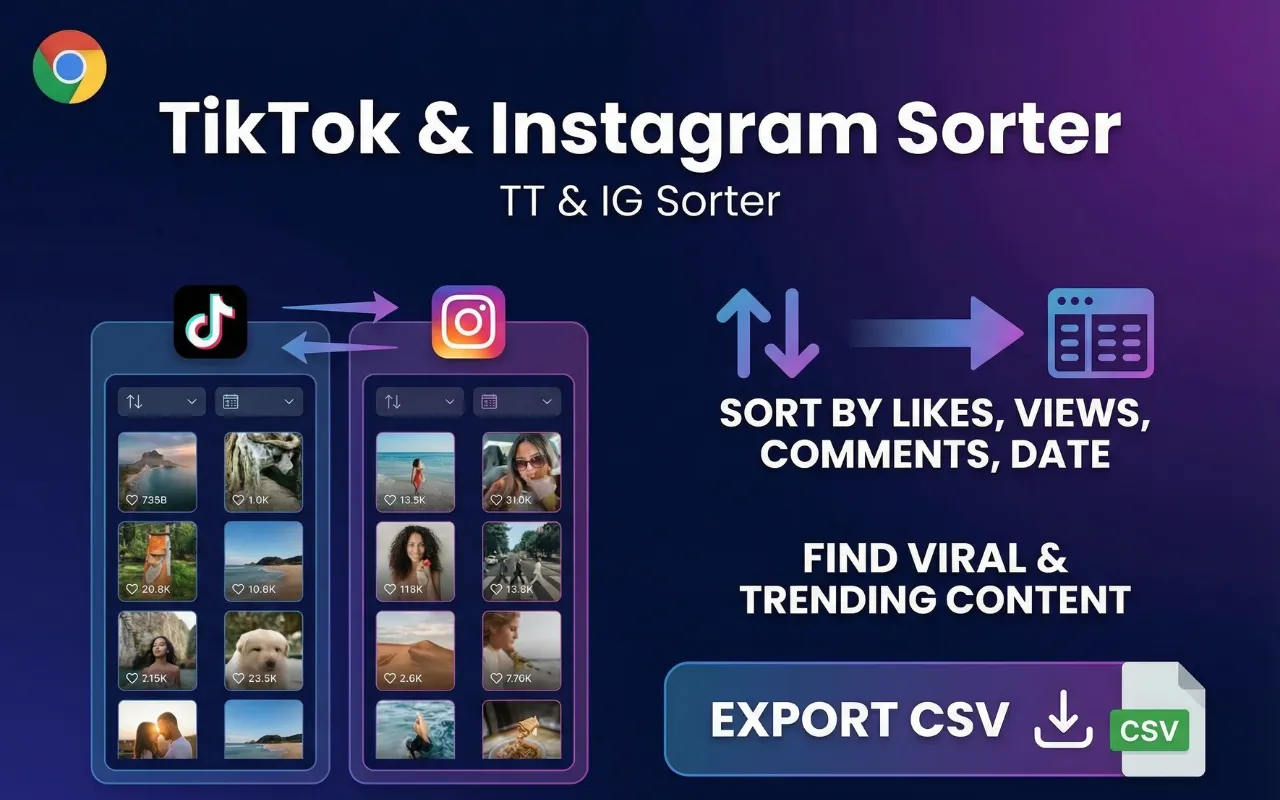
Sort Feed ranks Instagram posts and reels that are already visible in desktop Chrome by views, likes, comments, or date, then lets you focus on the rows worth checking.
It is best for post-level research, creator audits, and competitive checks where you need a repeatable way to compare visible content without turning the whole account into a spreadsheet.

Quick answer
Sort Feed is a fit when you want to sort visible Instagram posts inside Chrome, compare engagement, and inspect selected rows. It is not a follower scraper or an account-level data dump.
Manual Instagram review versus Sort Feed
Instagram research usually starts in one of two places: manual browser review or an explicit sorting workflow.
Manual browser review
- Best when you only need to glance at a small profile or a few recent posts.
- Easy to start, but hard to repeat consistently across many profiles or campaigns.
- Works poorly when you need to compare posts by one metric such as views or likes.
Sort Feed for sort-first workflows
- Best when you are already looking at visible Instagram posts and want to rank them by performance.
- Useful for creator audits, competitive research, and campaign reporting on visible grids.
- Matches queries such as instagram feed sorter, sort Instagram posts by likes, and sort reels by views.
Three steps to choose the right workflow
- 1Three steps to choose the right workflow
Name the output first
If your output is a ranked set of visible posts, use Sort Feed. If you only need account-level reporting, use the platform analytics or reporting tool your team already trusts.
- 2Three steps to choose the right workflow
Open the right product
Install the Sort Feed Chrome extension from the official sortfeed.io path, then open the Instagram page you can already access in desktop Chrome.
- 3Three steps to choose the right workflow
Review the right fields
Use views for reach, likes for response, comments for discussion, and date for recency. Keep the final check tied to the metric that answers your brief.
When Sort Feed is the better fit
Sort Feed is the better fit when you need to sort visible Instagram posts by views, likes, comments, or date, then inspect only the rows that matter.
Teams use it to compare campaign posts, benchmark competitors, and shortlist winning reels for reporting or review.
- Use the Instagram feed sorter page for ranking queries.
- Use the official Chrome extension page for install intent.

Compliance and realistic expectations
Whether you review manually or use Sort Feed, you remain responsible for complying with Instagram terms, privacy law, and client agreements.
Instagram can change page layouts and visible metrics, so teams should validate important findings instead of assuming every field will always be available.
Real Chrome Web Store reviews
Recent public reviews from the Sort Feed Chrome Web Store listing, shown with the original reviewer names, ratings, dates, and review text. Listing stats were checked on September 28, 2026.
4.8/5
Public Chrome Web Store rating
46
Visible rating count on the listing
6,000+
Public user count on the listing
"Works great"
"worked liked it"
"Works really well."
"thanks for your Service, Nice work ! i'm in korea, wish you all the best with your business !"
"Simple, straightforward, and effective chronological sorting makes social media browsing more controlled and efficient!"
"This extension is extremely valuable if you want to improve browsing efficiency, especially for content research."
"Fast loading and no lag, works smoothly on both TikTok and Instagram with great compatibility."
"A must have tool to fight algorithm-driven feeds! If you hate "recommended for you" content, you should definitely try this."
"Great Instagram feed sorting tool. Being able to browse posts by publish time makes a huge difference."
"Works instantly after installation. My TikTok feed is now clean and organized without distracting recommendations."
"Perfect for social media managers. It helps me track the latest posts efficiently without missing anything important."
"I've been looking for a way to restore chronological feeds, and this extension does exactly that. Simple, clean, and easy to use."
"This extension is super useful! Finally I can sort TikTok and Instagram feeds chronologically instead of dealing with random algorithms. Huge productivity boost."
"Great idea! Super helpful! This plugin helps me do some simple data analysis, filter out irrelevant content, and keep my feed clean without changing the original experience. It saves me a lot of time on repetitive tasks and makes browsing much more efficient. thx"