Pinterest sort extension — sort pins by saves, likes, and date in Chrome
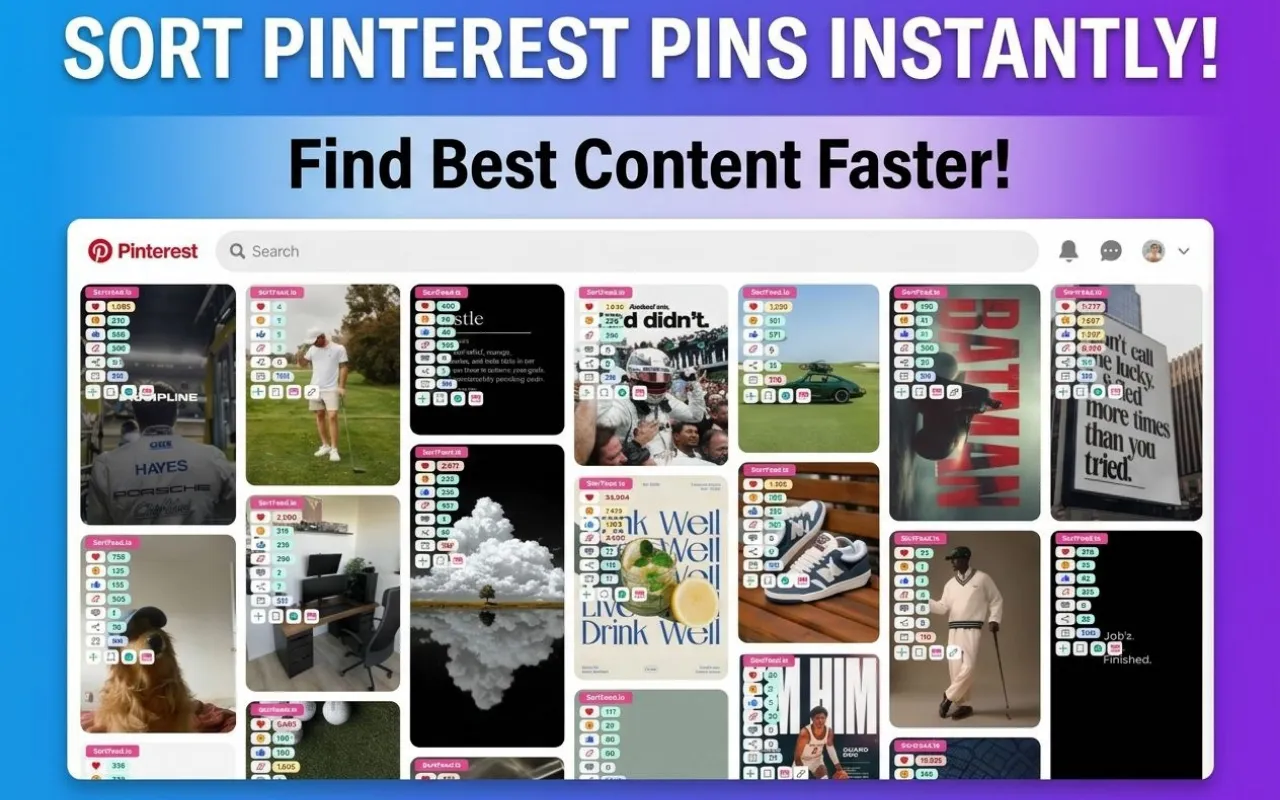
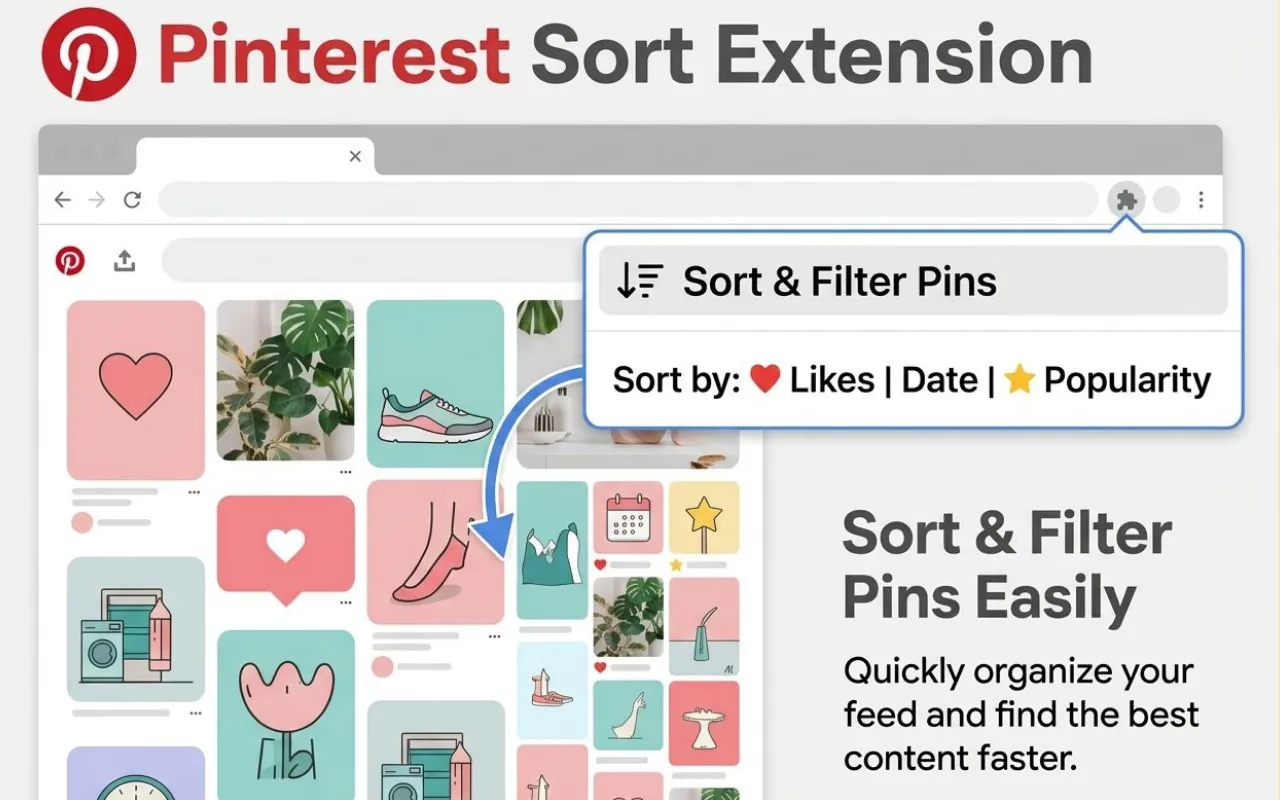
The Pinterest sort extension from Sort Feed adds analyst-style sorting and filtering on top of the standard Pinterest web experience. Reorder visible pins by likes, saves, recency, or popularity signals so you can spot high-performing ideas without endless scrolling.
Use it for inspiration research, competitor boards, content strategy, and e-commerce creative audits. The workflow stays in your browser on pages you already opened legitimately in desktop Google Chrome.

Smarter pin ordering
Move beyond opaque recommendations when you need an explicit sort order for the pins on screen.
Engagement-aware filtering
Focus on saves, likes, or recency to match the question you are trying to answer.
Built for Chrome
Install from the Chrome Web Store, browse pinterest.com as usual, and enable sorting when you need it.
Quick answer
Sort Feed for Pinterest is a desktop Chrome extension that sorts and filters visible Pinterest pins (for example by likes, saves, or date) so you can prioritize trending and high-engagement content faster than the default feed alone.
Default Pinterest ranking versus Sort Feed controls
Pinterest optimizes feeds for discovery. Sort Feed adds explicit controls when your job is analysis, not only browsing.
What the default Pinterest experience emphasizes
- Recommendation-heavy feeds that change as you interact.
- Limited native options to rank every visible pin by a single metric.
- A flow tuned for inspiration, not structured audits.
What Sort Feed adds in Chrome
- Explicit sorting for visible pins so you can compare performance quickly.
- Filtering options that reduce noise when you only want strong signals.
- A repeatable workflow for marketers, designers, and researchers.
Typical Pinterest research workflow
- 1Typical Pinterest research workflow
Install the Pinterest-capable Sort Feed build
Use the official Pinterest Chrome Web Store listing for desktop Chrome. If your deployment needs a custom listing URL, set the Pinterest store URL in runtime config.
- 2Typical Pinterest research workflow
Open boards, profiles, or search you already access
The extension works with Pinterest pages your signed-in session can load. It does not bypass paywalls or private content you cannot see.
- 3Typical Pinterest research workflow
Pick a sort or filter preset
Choose likes, saves, newest first, or trending-style ordering depending on whether you care about resonance, freshness, or momentum.
- 4Typical Pinterest research workflow
Shortlist ideas for reporting or creative briefs
Use the ordered view to capture screenshots, notes, or reviews according to the features your build exposes on supported pages.
Who benefits from a Pinterest sorter?
Social teams use Sort Feed to compare campaign pins, benchmark competitor boards, and surface saves-heavy ideas that signal purchase intent.
Designers and bloggers use it to collect high-performing visual references quickly, while SEO and growth specialists study which topics already earned engagement.
- Ideal when you need ranked visibility into pins already on screen.
- Complements—not replaces—Pinterest analytics inside Pinterest Business where available.
Privacy, permissions, and realistic expectations
Sort Feed does not require you to hand your Pinterest password to sortfeed.io. Processing stays oriented around the browser session you already use, consistent with our site-wide privacy policy.
Pinterest may change markup or metrics availability. Validate critical numbers inside Pinterest or your analytics stack when decisions are high stakes.