เครื่องมือส่งออกผู้ติดตาม Instagram: ส่งออกผู้ติดตามและ following
Sort Feed สามารถส่งออกรายชื่อผู้ติดตามและ following ของ Instagram จากโปรไฟล์ที่รองรับใน Chrome บนเดสก์ท็อป การเก็บทำงานในส่วนขยาย Sort Feed และใช้ AI Credits—ติดตั้ง Sort Feed แทนเว็บส่งออกผู้ติดตามแยก
ใช้หน้านี้เพื่อประเมินความสามารถ ข้อจำกัด และการใช้เครดิตของการส่งออกผู้ติดตาม/following ก่อนทำให้เวิร์กโฟลว์ทีมเป็นมาตรฐาน
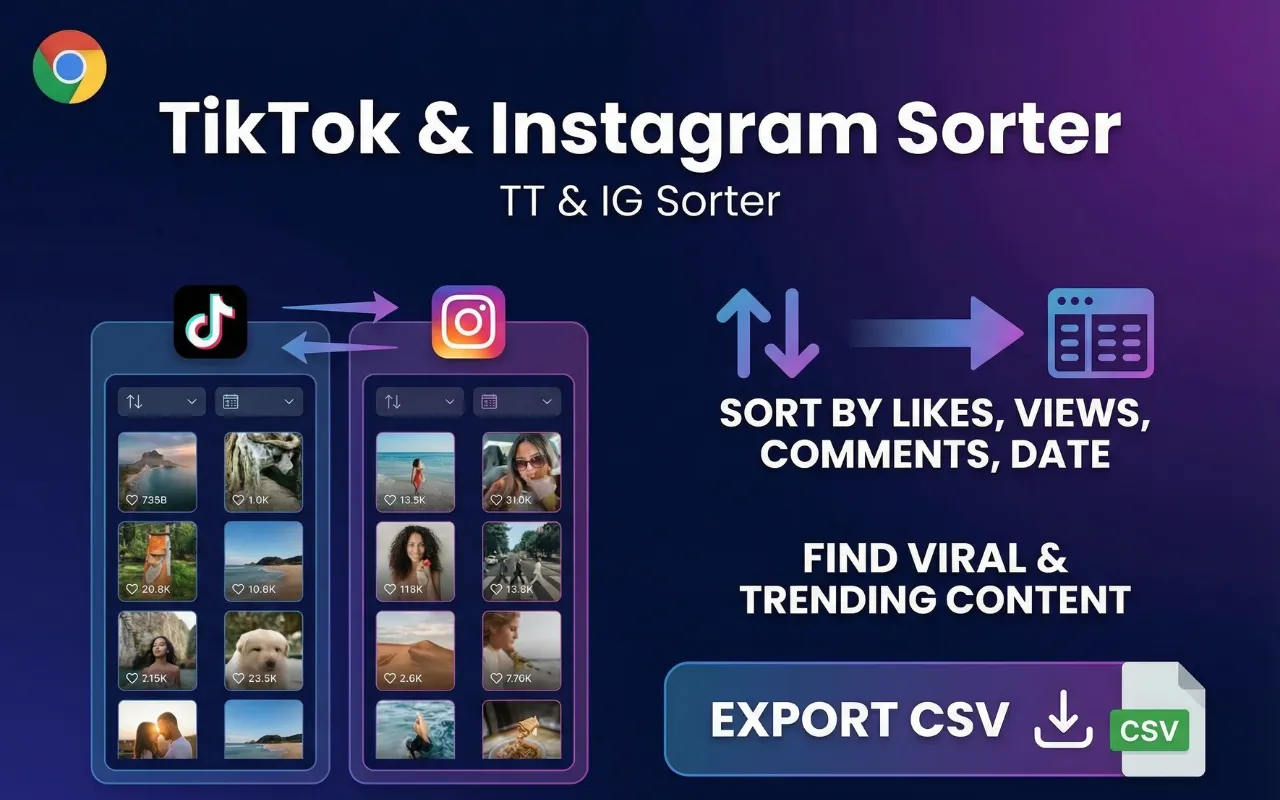
ผู้ติดตามและ following
เก็บรายชื่อใดก็ได้เมื่อ Instagram เปิดให้เซสชัน Chrome ที่เปิดอยู่เห็น
CSV หรือ JSON
ส่งออกแถวความสัมพันธ์สำหรับออดิต วางแผน outreach หรือคลังงานวิจัย
เวิร์กโฟลว์เนทีฟของ Sort Feed
ไม่เบี่ยงไปยังบุคคลที่สาม—CTA ติดตั้งส่วนขยาย Chrome Sort Feed อย่างเป็นทางการ
ปริมาณตามเครดิต
1 AI Credit ต่อ 20 รายการในรายชื่อ ชุดบางส่วนยังใช้ 1 เครดิต
คำตอบตรง
Sort Feed ส่งออกผู้ติดตามและ following ของ Instagram จากโปรไฟล์ที่รองรับใน Chrome บนเดสก์ท็อปเป็น CSV หรือ JSON การเก็บใช้ AI Credits (1 เครดิตต่อ 20 รายการ) และรวมเฉพาะแถวความสัมพันธ์ที่เซสชันเบราว์เซอร์โหลดได้อยู่แล้ว
เวิร์กโฟลว์ส่งออกผู้ติดตาม Instagram ทั่วไป
- 1เวิร์กโฟลว์ส่งออกผู้ติดตาม Instagram ทั่วไป
ติดตั้ง Sort Feed
เพิ่มส่วนขยายอย่างเป็นทางการจากลิงก์ Chrome Web Store บน sortfeed.io
- 2เวิร์กโฟลว์ส่งออกผู้ติดตาม Instagram ทั่วไป
เปิดโปรไฟล์ Instagram ที่รองรับ
โหลดโปรไฟล์ที่เซสชันเปิดรายชื่อผู้ติดตามหรือ following ได้อยู่แล้ว
- 3เวิร์กโฟลว์ส่งออกผู้ติดตาม Instagram ทั่วไป
เก็บผู้ติดตามหรือ following
เริ่มงานเก็บความสัมพันธ์ใน Sort Feed แล้วรอให้แถวเสร็จ
- 4เวิร์กโฟลว์ส่งออกผู้ติดตาม Instagram ทั่วไป
ส่งออก CSV หรือ JSON
ดาวน์โหลดรายชื่อที่เก็บมาและเก็บเฉพาะฟิลด์ที่รายงานต้องการ
การส่งออกผู้ติดตามและ following ครอบคลุมอะไร
การส่งออกผู้ติดตาม/following ใช้สำหรับแถวความสัมพันธ์แบบรายชื่อ—ไม่ใช่การจัดเรียงโพสต์ และไม่ใช่ชุดประชากรผู้ชมเต็มรูปแบบของ Instagram
ฟิลด์ที่มีขึ้นกับสิ่งที่ Instagram แสดงใน UI รายชื่อที่เปิดอยู่ ใช้ตัวจัดเรียงฟีด Instagram เมื่อคำถามเกี่ยวกับประสิทธิภาพโพสต์ ไม่ใช่รายชื่อเครือข่าย
- ผู้ติดตามและ following บนโปรไฟล์ที่รองรับ
- ส่งออก CSV หรือ JSON ของแถวที่เก็บมา
- 1 AI Credit ต่อ 20 รายการ
- คอลัมน์ทั่วไปเมื่อมีข้อมูล: ชื่อผู้ใช้/แฮนเดิล, URL โปรไฟล์, ชื่อเต็มเมื่อแสดง
- ตัวอย่างแถวที่ทำความสะอาดแล้ว: username=example_brand · url=https://instagram.com/example_brand · name="Example Brand".

ข้อจำกัดและการใช้งานอย่างรับผิดชอบ
Sort Feed ไม่ปลดล็อกบัญชีส่วนตัวหรือรายชื่อที่เซสชันเปิดไม่ได้ ไม่ใช่บริการ scraping จำนวนมากสำหรับเครือข่ายปิด
เคารพข้อกำหนดแพลตฟอร์มและความคาดหวังด้านความเป็นส่วนตัวเมื่อเก็บหรือแชร์รายชื่อที่ส่งออก
- เฉพาะ Chrome บนเดสก์ท็อป
- ไม่มีบายพาสรายชื่อส่วนตัว
- ต้องใช้เครดิตสำหรับปริมาณการเก็บ
รีวิวจริงจาก Chrome Web Store
รีวิวสาธารณะล่าสุดจากหน้ารายการ Sort Feed บน Chrome Web Store แสดงพร้อมชื่อผู้รีวิว คะแนน วันที่ และข้อความต้นฉบับ
4.8/5
คะแนนสาธารณะบน Chrome Web Store
46
จำนวนรีวิวที่เห็นได้บนหน้ารายการ
6,000+
จำนวนผู้ใช้ที่แสดงบนหน้ารายการ
"Works great"
"worked liked it"
"Works really well."
"thanks for your Service, Nice work ! i'm in korea, wish you all the best with your business !"
"Simple, straightforward, and effective chronological sorting makes social media browsing more controlled and efficient!"
"This extension is extremely valuable if you want to improve browsing efficiency, especially for content research."
"Fast loading and no lag, works smoothly on both TikTok and Instagram with great compatibility."
"A must have tool to fight algorithm-driven feeds! If you hate "recommended for you" content, you should definitely try this."
"Great Instagram feed sorting tool. Being able to browse posts by publish time makes a huge difference."
"Works instantly after installation. My TikTok feed is now clean and organized without distracting recommendations."
"Perfect for social media managers. It helps me track the latest posts efficiently without missing anything important."
"I've been looking for a way to restore chronological feeds, and this extension does exactly that. Simple, clean, and easy to use."
"This extension is super useful! Finally I can sort TikTok and Instagram feeds chronologically instead of dealing with random algorithms. Huge productivity boost."
"Great idea! Super helpful! This plugin helps me do some simple data analysis, filter out irrelevant content, and keep my feed clean without changing the original experience. It saves me a lot of time on repetitive tasks and makes browsing much more efficient. thx"