メインコンテンツへスキップ
Pinterest並び替え

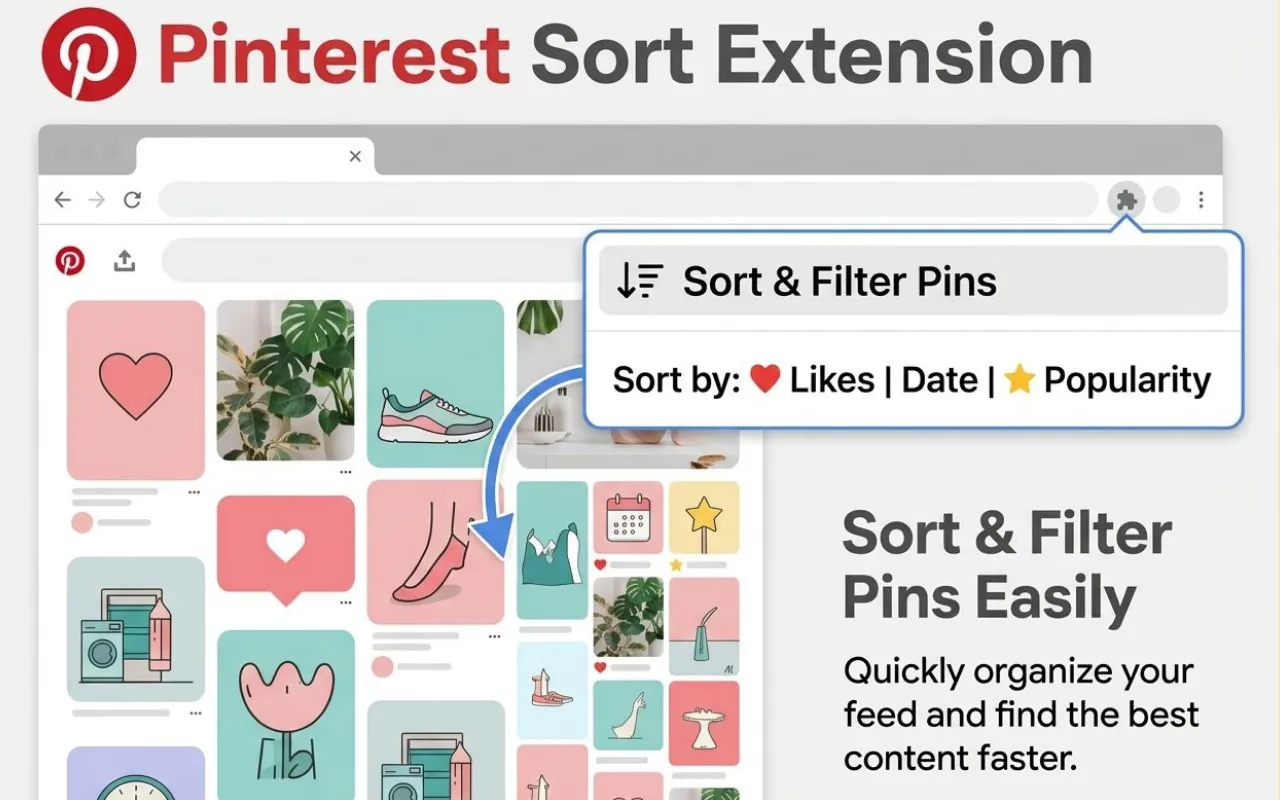
Pinterestソート拡張 — Chromeで保存数・いいね・日付順にピンを並べ替え

Sort FeedのPinterestソート拡張は、ピンタレスト標準UIに分析者向けの並べ替え・フィルタ機能を加えます。可視ピンをいいね、保存、新着、人気指標で並べ替え、トレンドピンも素早く発見!

インスピレーション収集・競合分析・コンテンツ施策・ECクリエイティブ監査にも◎。デスクトップChromeの自分のセッション内ページのみで完結します。

Pinterest並び替え
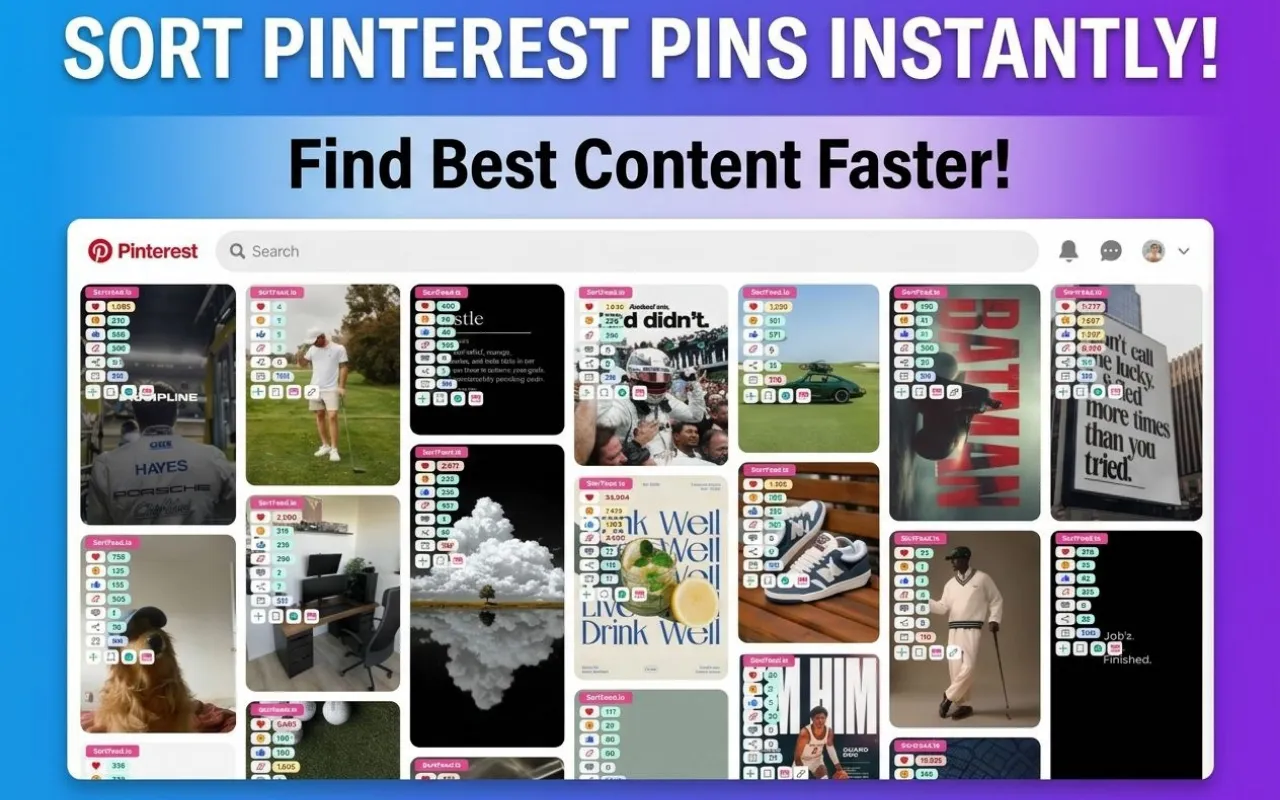
Sort Feedでソート&フィルタされたPinterestピン(Chrome画面)
Pinterestで表示中のピンをエンゲージメントや新着順で効率的に並べ替え。
01

賢いピンの並び替え

推奨順だけでなく、明確な指標順で画面上ピンを一覧可。

02

エンゲージメント・フィルタ

保存・いいね・新着など分析したいピンだけに絞れます。

03

Chrome専用設計

ウェブストアからインストール→pinterest.comで通常通り閲覧→必要な時だけソートボタンON。

結論(クイックアンサー)

Sort Feed for Pinterestは、可視ピンを(いいね・保存数・日付等)で並べ替え・フィルタできるデスクトップChrome拡張。標準フィードより速くトレンド・高エンゲージメントピンを抽出可能!

Pinterest標準並び順とSort Feedの比較

Pinterest標準並び順とSort Feedの比較

Pinterestは「発見」重視の推薦。Sort Feedは「分析者のための明示並べ替え&フィルター権限」を追加します。

Pinterest標準体験

Pinterest標準体験

  • 閲覧操作に応じて推奨ピンが随時変わる。
  • 全可視ピンを単一指標で整列する純正機能は限定的。
  • 気付き用の動的表示が主体、体系的な監査には不向き。
Sort Feedの特長(Chrome用)

Sort Feedの特長(Chrome用)

  • 可視ピンを任意の指標順で瞬時にランキング。
  • 強いシグナルが欲しい時にノイズを減らすフィルタ群。
  • マーケ・デザイナー・リサーチャーの反復作業が劇的に効率化。
Pinterestリサーチ例ワークフロー

Pinterestリサーチ例ワークフロー

  1. 1
    Pinterestリサーチ例ワークフロー

    Pinterest対応Sort Feedをインストール

    公式Pinterest ChromeウェブストアURLから導入。専用URLが必要な場合は環境変数(NUXT_PUBLIC_PINTEREST_CHROME_WEB_STORE_URL)設定を推奨。

  2. 2
    Pinterestリサーチ例ワークフロー

    自分で開けるボード・プロフィール・検索ページを使う

    拡張は「ログイン済セッションで表示可能なページ」だけ対応(有料壁や非公開はNG)。

  3. 3
    Pinterestリサーチ例ワークフロー

    ソート・フィルタプリセットを選択

    いいね順・保存数順・新着順・トレンド型など、用途にあわせて指標を切り替えられます。

  4. 4
    Pinterestリサーチ例ワークフロー

    アイデアをショートリスト化しレポート・制作指示に活用

    並べ替え表示からスクショ・メモ・確認も可能(ビルドごと機能可変)。

Pinterestソーターが役立つ活用例

Sort Feedはソーシャル系チームがキャンペーンピン比較や競合ボードベンチマーク、保存数指標で購買意図ありピンを抽出などに好評です。

デザイナー・ブロガーは高パフォーマンス画像調査、SEO/グロース勢は既にバズった話題のエンゲージを即集約。

  • 「今画面上にあるピンをランク付けしたい」用途に最適。
  • Pinterestビジネスアカウントの公式アナリティクスとも併用推奨。
ChromeのSort FeedでPinterest調査ワークフロー中の画面
「いま何がウケている?」をピンポイントで網羅 ─ 並び順でアイデア掘り出しも高速化。
Sort Feed拡張のマルチSNS活用イメージ(Chrome内)
1ブランドで複数SNS横断。各ランディングで対応プラットフォーム詳細も併せて確認を!

プライバシー・権限・現実的な期待値

Sort FeedはPinterestアカウントのパスワードをsortfeed.ioへ送信せず、通常利用中のChromeセッションのみで動作します(全社プライバシーポリシー遵守)。

Pinterest仕様や指標は非予告で変わる事があり、意思決定が重要な分析時は公式サービスでも再確認してください。

Real Chrome Web Store reviews

Real Chrome Web Store reviews

Tanuj

worked liked it

Emin Gaaya

Works really well.

윤현동

thanks for your Service, Nice work ! i'm in korea, wish you all the best with your business !

Mike Edwin

Simple, straightforward, and effective chronological sorting makes social media browsing more controlled and efficient!

SAM GAB

This extension is extremely valuable if you want to improve browsing efficiency, especially for content research.

drawing하루 한 그림

최고

Aston James

Fast loading and no lag, works smoothly on both TikTok and Instagram with great compatibility.

Daniel Miller

A must have tool to fight algorithm-driven feeds! If you hate "recommended for you" content, you should definitely try this.

Sophia Anderson

The interface is clean with no unnecessary features. It focuses on feed sorting and is one of the most stable extensions I’ve used.

Sarah Davis

Great Instagram feed sorting tool. Being able to browse posts by publish time makes a huge difference.

Isabella Thomas

Works instantly after installation. My TikTok feed is now clean and organized without distracting recommendations.

George Rands

Perfect for social media managers. It helps me track the latest posts efficiently without missing anything important.

Andy Bent

I've been looking for a way to restore chronological feeds, and this extension does exactly that. Simple, clean, and easy to use.

Sam Gab

This extension is super useful! Finally I can sort TikTok and Instagram feeds chronologically instead of dealing with random algorithms. Huge productivity boost.

Weisdorfer Buesing

Great idea! Super helpful! This plugin helps me do some simple data analysis, filter out irrelevant content, and keep my feed clean without changing the original experience. It saves me a lot of time on repetitive tasks and makes browsing much more efficient. thx

Read reviews on Chrome Web Store
Pinterestソート拡張 FAQ

Pinterestソート拡張 FAQ

Sort FeedでPinterestピンをいいね順や保存順にソート可能?
はい。対応ページでは「いいね最多」「保存数最多」「新着順」「トレンド順」などソートオプションが利用できます(指標が可視の場合のみ)。
Sort FeedはPinterest公式アナリティクスの代わり?
いいえ。Sort Feedは「可視ピン」の分析用ワークフロー。アカウント全体の公式レポートは引き続き純正サービス併用を推奨します。
一部のピンで「いいね」や「保存」が表示されないのはなぜですか?
Pinterest側の仕様で、ピンやレイアウトによっては指標が省略・非表示になることがあります。Sort Feedは開いているタブ上で取得できる情報だけをソートに使うため、数値が取得できないピンはいいね/保存基準の並び替えに十分参加できない場合があります。
Sort FeedはモバイルPinterestで使える?
いいえ。Chrome拡張はデスクトップGoogle Chrome前提です。モバイルアプリは対象外。
Pinterestのパスワード等はSort Feedサーバー送信されますか?
いいえ。Sort FeedはPinterest認証情報をsortfeed.ioへ送信しません。詳細は公式プライバシーポリシー参照。